¶ Install GitHub Desktop and Git
These tools are typically used for downloading custom Unreal Engine source code repositories and Game Project's.
If you don't already have them, then installing them both with default settings could be very useful as your modding journey progresses.
¶ Installing Git
Git is a version control system used to track changes to files and collaborate on projects. Many modding tools and workflows require Git to be installed.
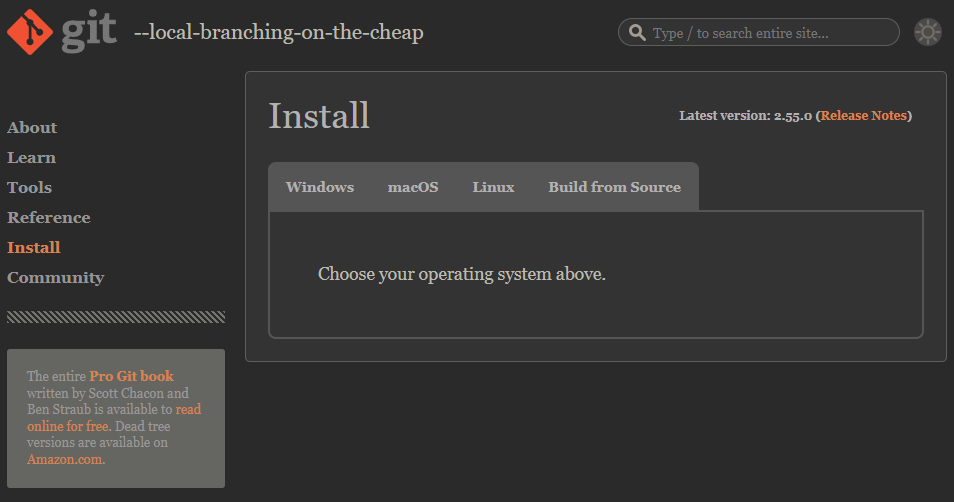
¶ Download Git
Visit the official Git website and download the latest version for your operating system: Link To Git Download
¶ Install Git
Run the installer and follow the default installation options. The default settings are suitable for most users and do not require any changes.
Once the installation has finished, Git is ready to use.
¶ Installing GitHub Desktop
GitHub Desktop provides a simple graphical interface for working with Git repositories without using the command line.
¶ Download GitHub Desktop
Visit the official GitHub Desktop website and download the latest version: Link To GitHub Desktop Website
¶ Install GitHub Desktop
Run the installer and follow the on-screen instructions.
Be sure to select any options relating to adding GIT as an environmental variable/path
Once installed, launch GitHub Desktop and sign in with your GitHub account. If you don't already have an account, you can create one using this link: Link To GitHub Signup Page
After signing in, GitHub Desktop is ready to clone, manage, and publish Git repositories.