¶ Installing Visual Studio
This guide explains how to install Visual Studio and the workloads required for Unreal Engine development.
Installing the correct components ensures you have the tools needed to build, compile, and package Unreal Engine projects and mods.
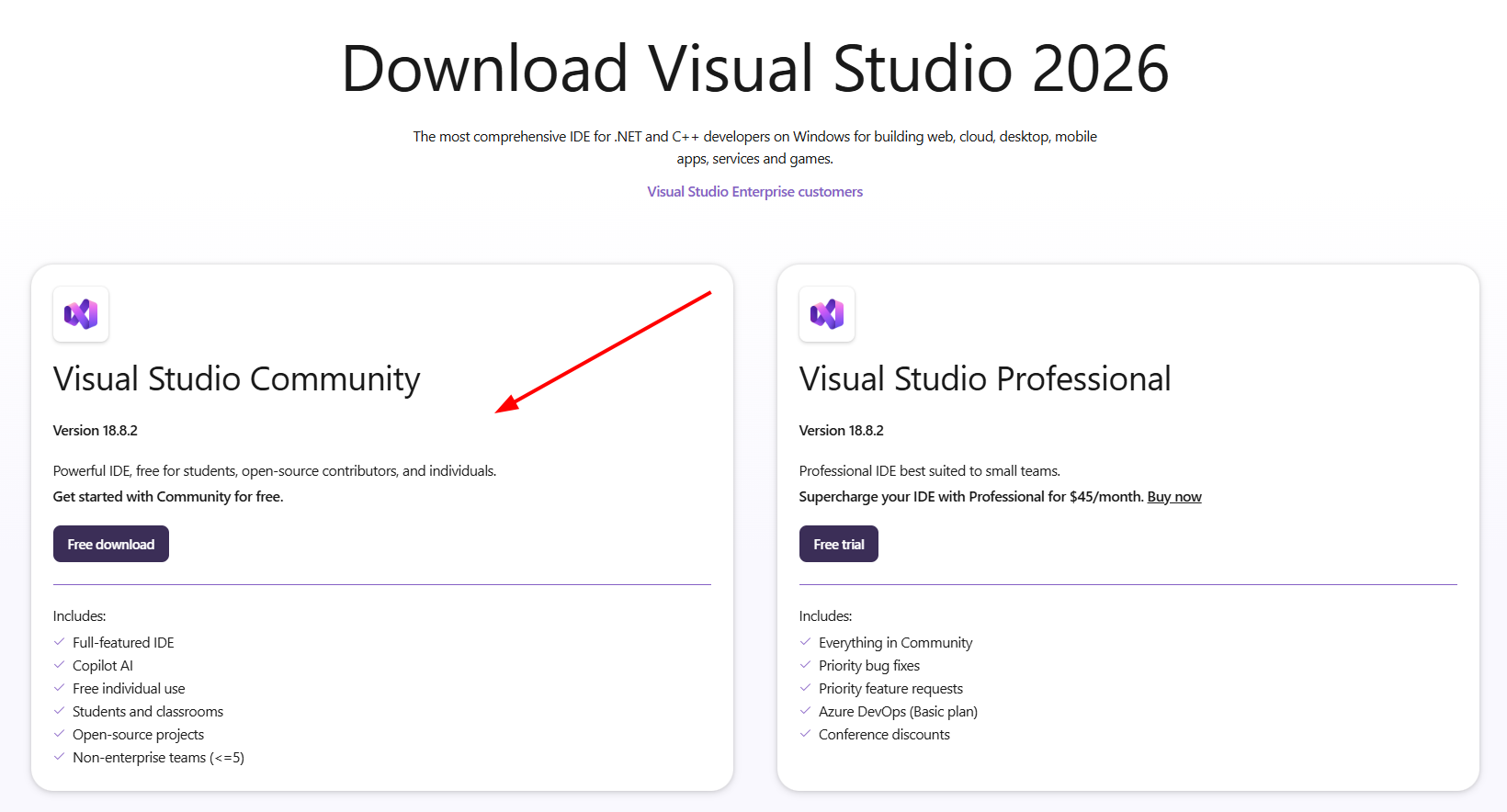
You can select the FREE Community edition, you do NOT have to purchase the Professional edition
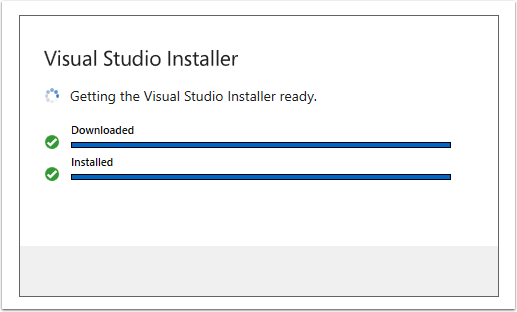
After the Visual Studio Installer is installed, visit the Workloads tab, then under Desktop & Mobile, enable the following options:
- .NET desktop development
- Desktop development with C++
- .NET Multi-platform App UI development
In the installer’s Installation Details panel, expand Game development with C++ and enable the following options:
- C++ profiling tools
- C++ AddressSanitizer
- Windows 10 or 11 SDK (10.0.18362 or Newer)
- Unreal Engine installer
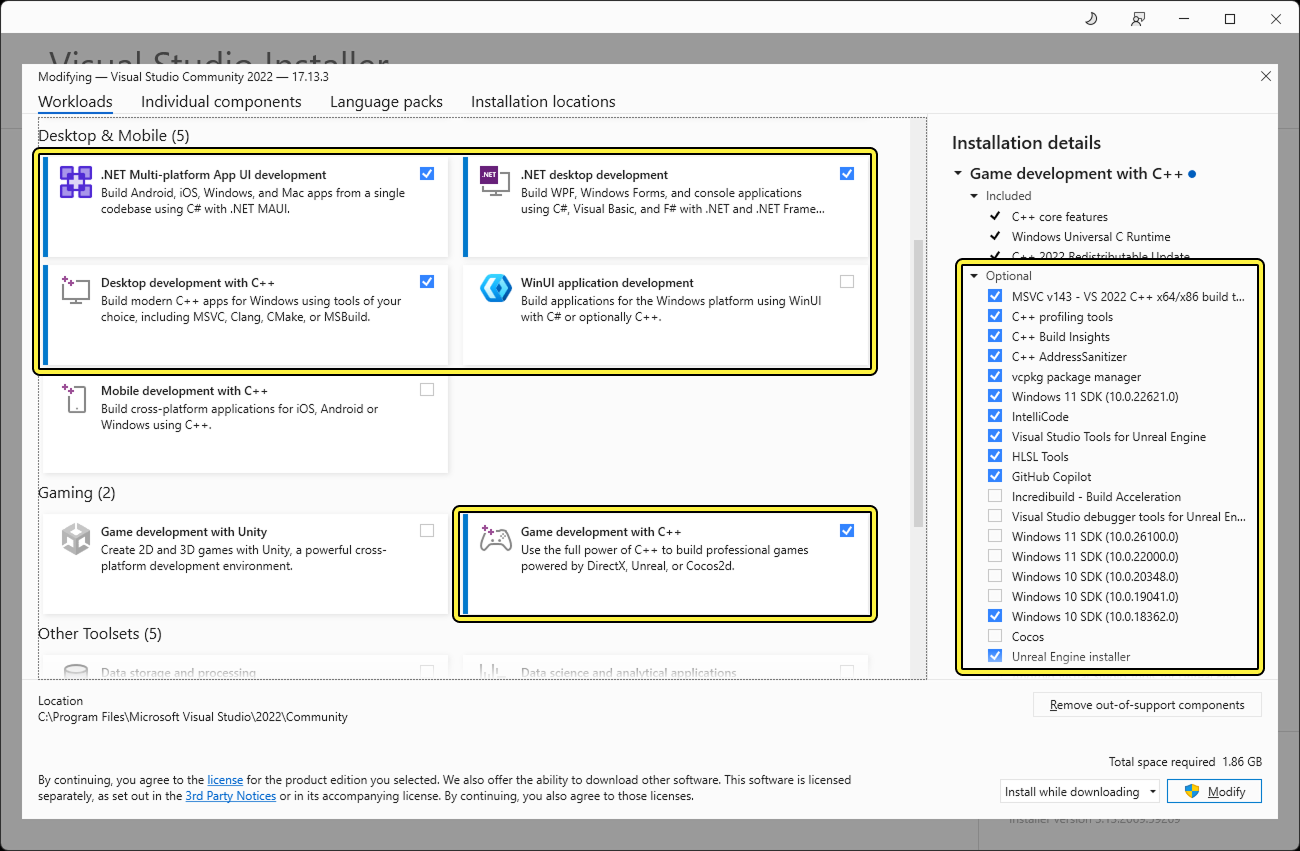
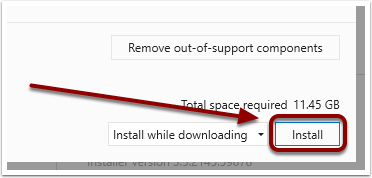
Select "Install" to proceed.
This could download a significant amount of data in excess of 10GB, depending on what VS components you already have installed
Wait for installation to complete.
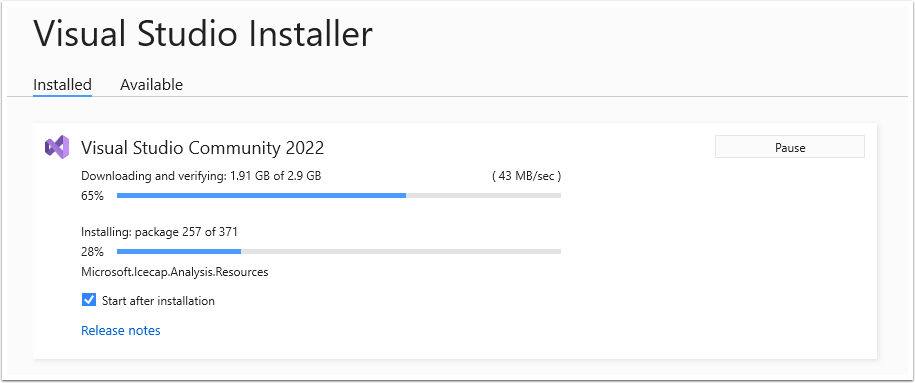
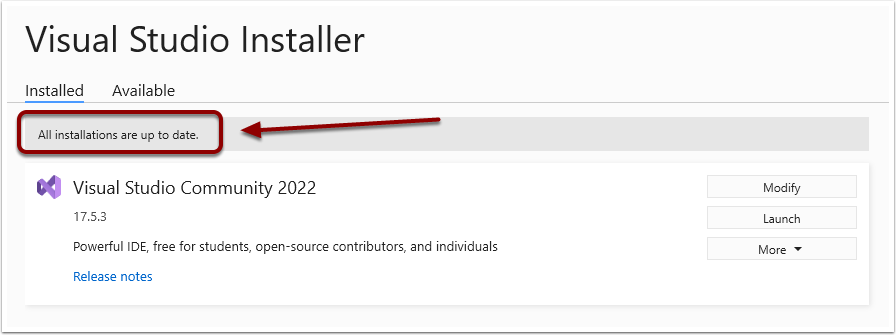
Look for "All installations are up to date" to confirm Visual Studio is installed.