Some collection pages look much better than the rest, and those who look better usually do better as well. But, not everyone may possess the skills to edit their collection pages and communities. For this reason, we created this hub to help you out on this journey.
This hub is built in such a way that someone with no experience with any graphic design tool can use the templates given there and edit these for their purposes under one minute. For convenience sake, we are initially using an online, free to use tool called Canva, that requires a free sign up. Our goal is to eventually carry this system on board, but until then we decided to publish these anyway to not make anyone wait.
Here is a short list of what you can find in this hub. Note that we'll also be providing multiple alternatives for each one, for different themes and games explained below
- Custom hero section asset templates
- Custom titles, headers and banner templates
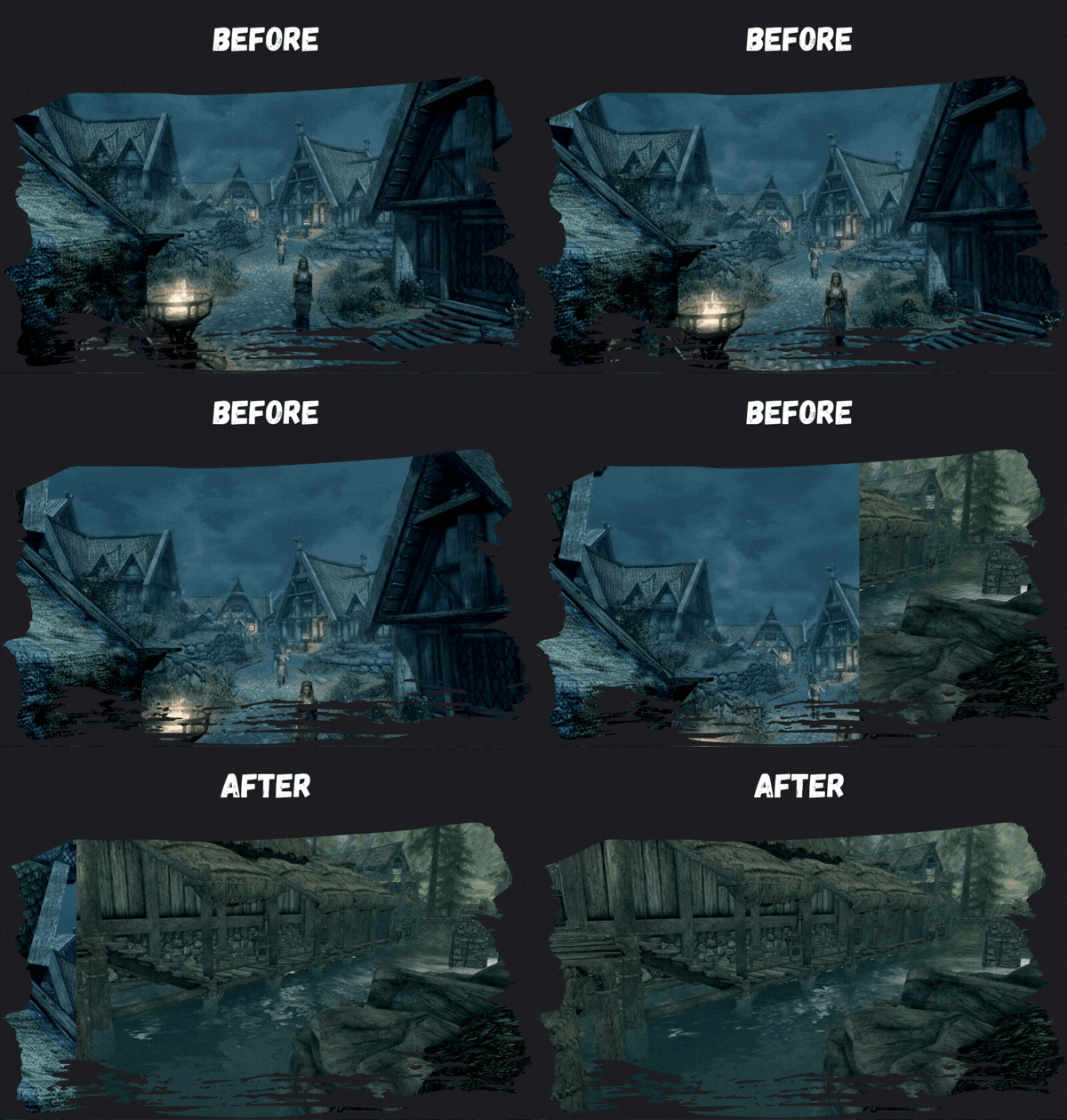
- Before & After GIF templates
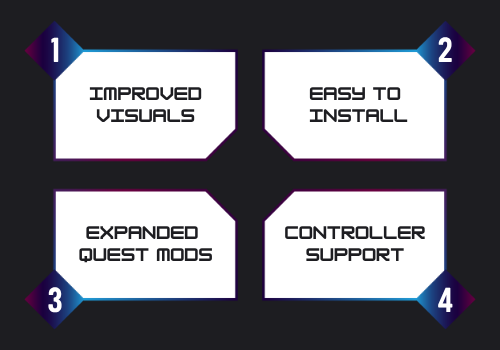
- Custom "features" templates
- Social media compatible asset templates
Each of these assets will be provided in below themes
- Generic Brush Theme
- Skyrim / Medieval Theme
- Futuristic Theme
- Guns and Bombs Theme
- Pixel art / cute Theme
- NSFW Theme
At the end, you'll also be able to find some tools and assets you can use for your communities:
- Discord Server templates for collection curators
- Discord server bots (Work in progress)
¶ Theme 1: Generic Brush-Themed Assets
To see this set in action, visit this example collection page
How To Use
- Click on the assets you want to use to open them on Canva
- Make your changes on the texts and visuals. For assets in this set, after you change the visuals don't forget to position them back by clicking on "position" and "backward".
- Click "Share" and click "Download" to export. Use any format you'd like, prefer GIFs for animated visuals.
- To add your new visuals to your collection page, host them wherever you like with a url. You can use mod pages on Nexus (even private ones), image hosting websites or even Discord.
¶ Title / Section Separator

¶ Hero / Collection Name / Category Header Templates
.gif)
.gif)
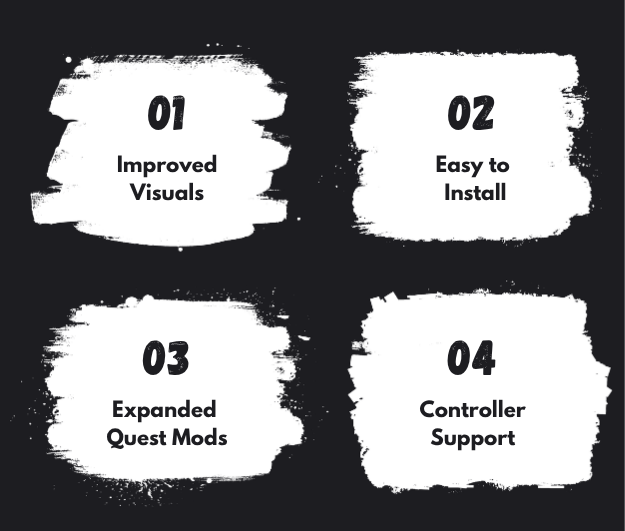
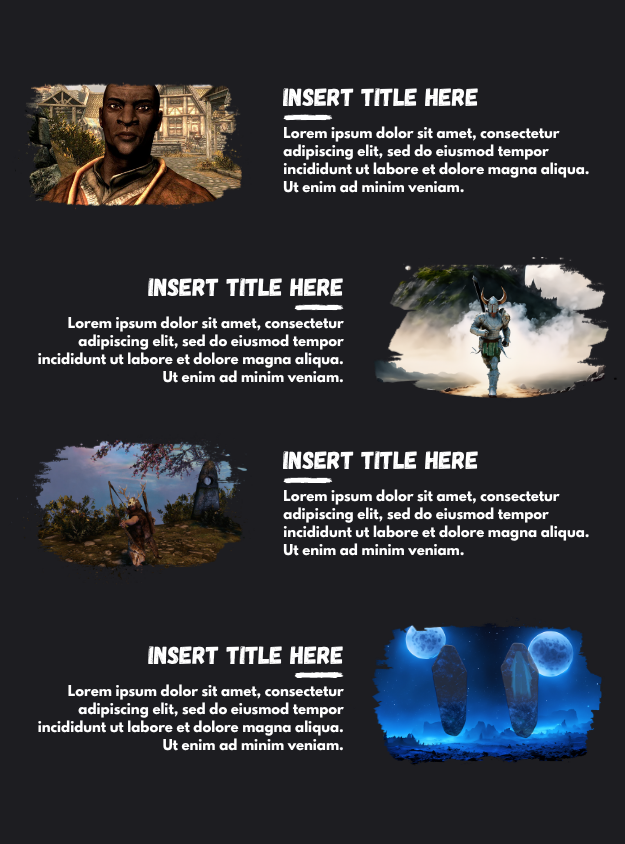
¶ Extended Hero / Category Section Templates
¶ Before / After Templates
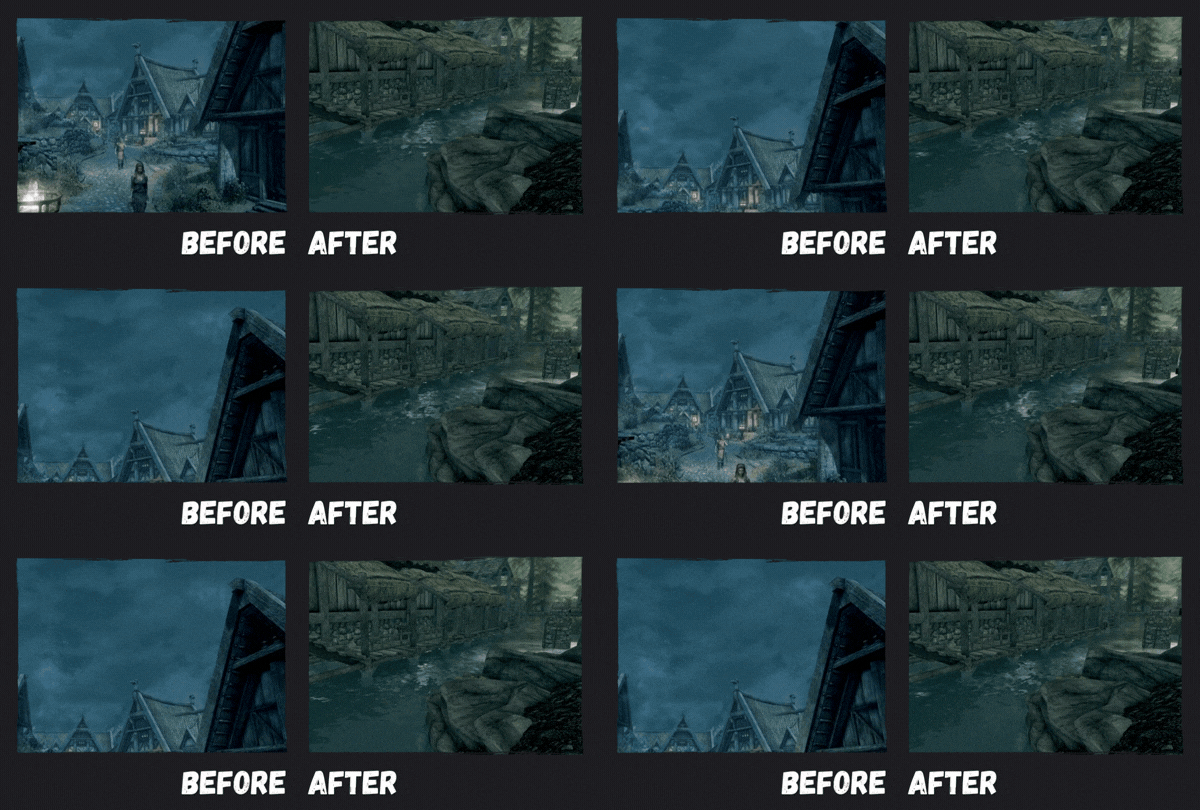
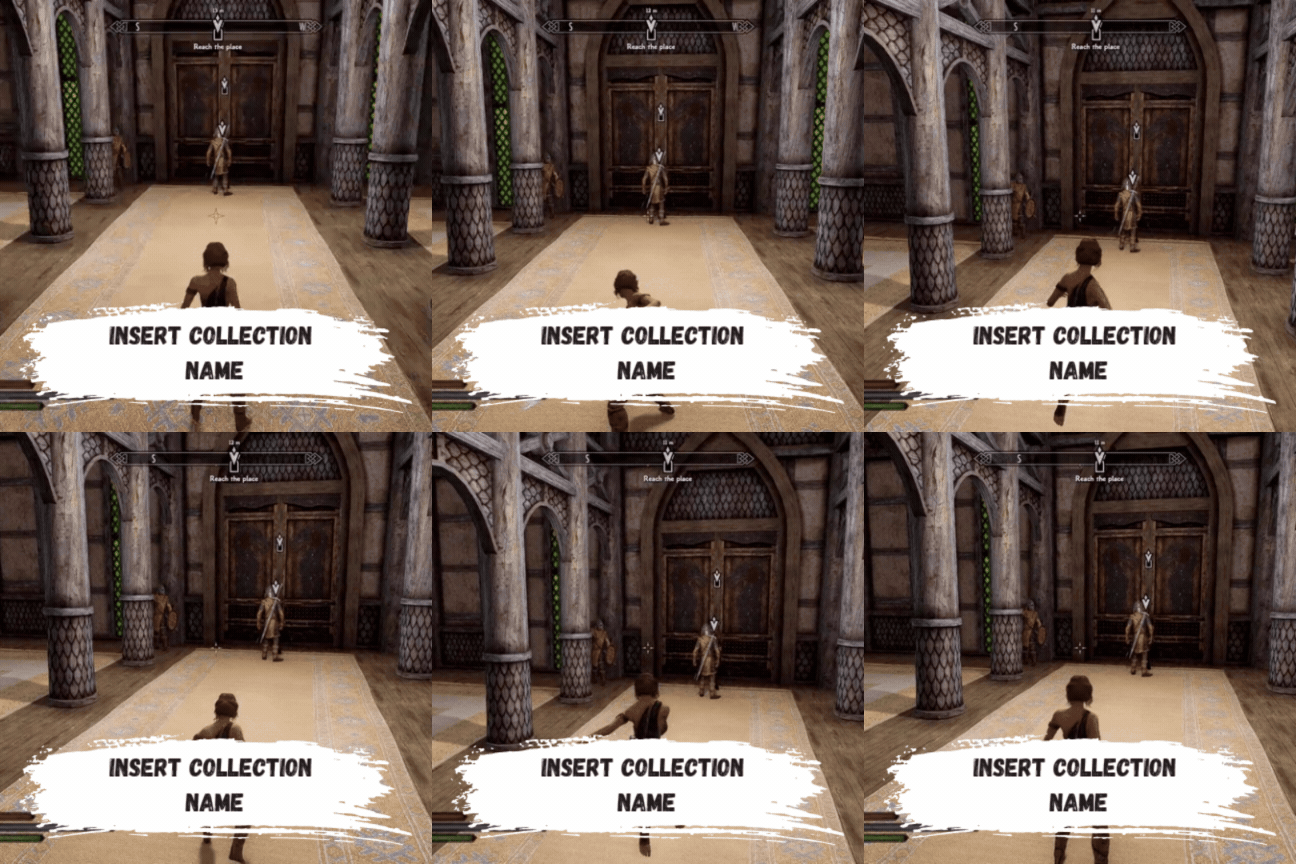
¶ Social Media Templates (Short & Reel Format) - (IG Post Format)
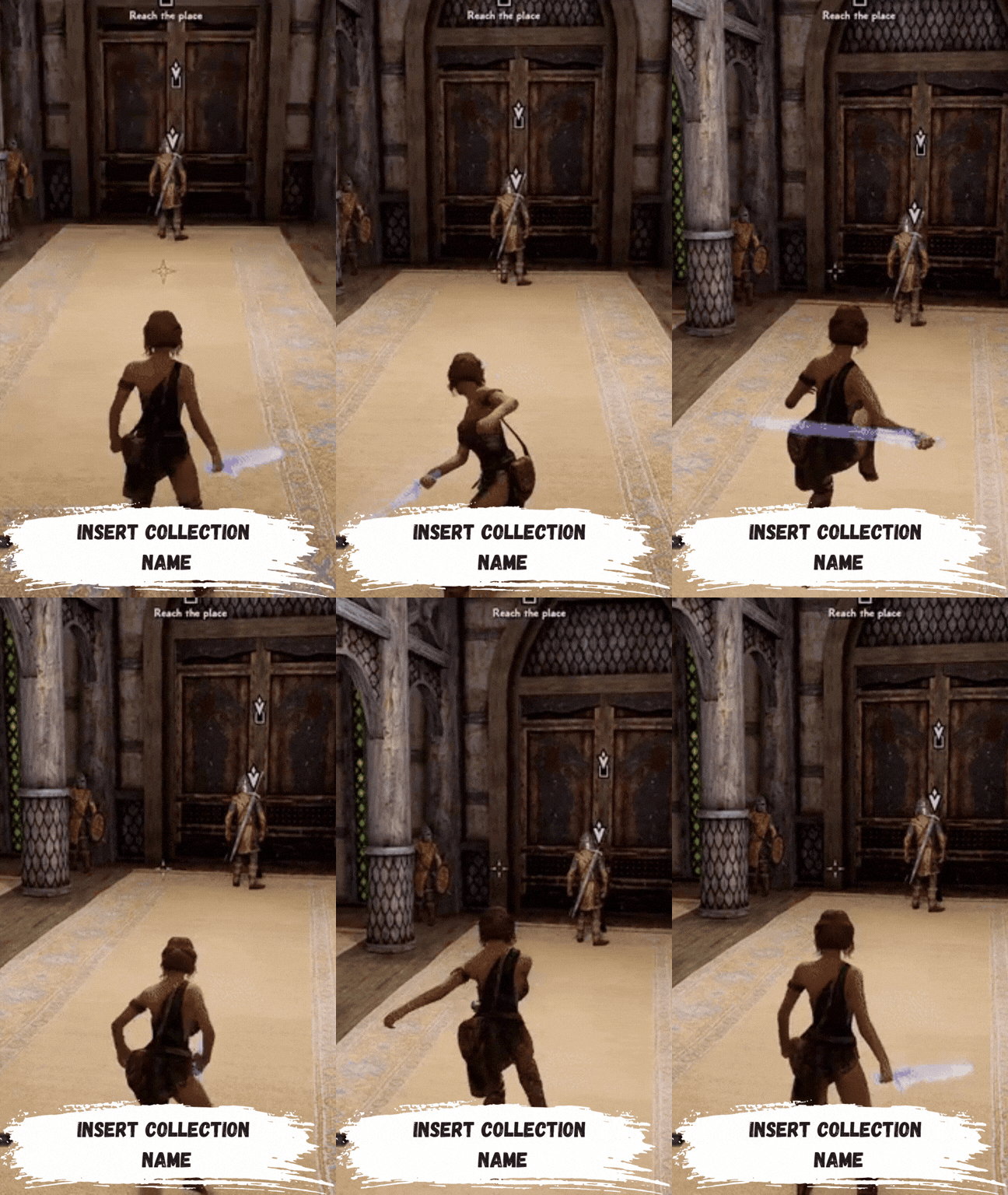 -
- 
¶ Theme 2: Skyrim / Nordic Theme Assets
To see this set in action, visit this example collection page
How To Use
- Click on the assets you want to use to open them on Canva
- Make your changes on the texts and visuals. Feel free to lock - unlock some elements to not cause sways.
- Click "Share" and click "Download" to export. Use any format you'd like, prefer GIFs for animated visuals.
- To add your new visuals to your collection page, host them wherever you like with a url. You can use mod pages on Nexus (even private ones), image hosting websites or even Discord.
¶ Title / Section Separator

¶ Hero / Collection Name / Category Header Templates
1.gif)
.gif)
¶ Extended Hero / Category Section Templates
.png)
.png)
¶ Before / After Templates
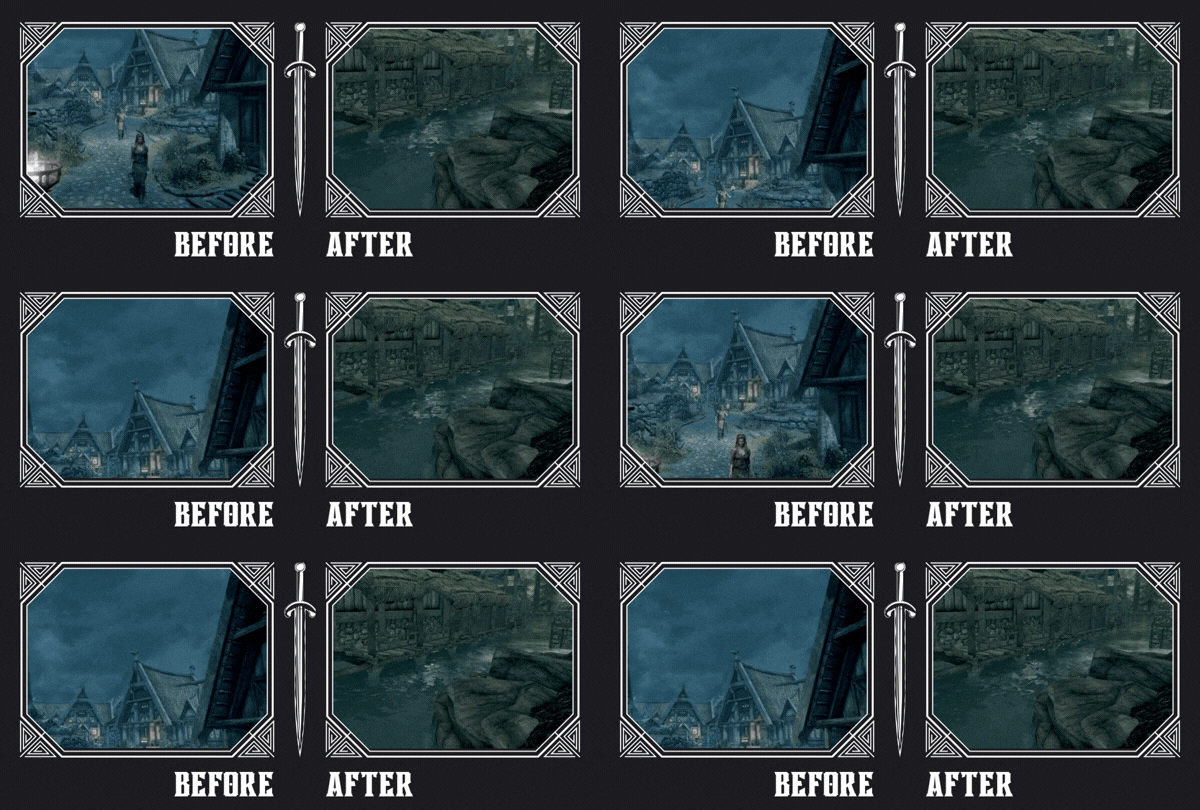
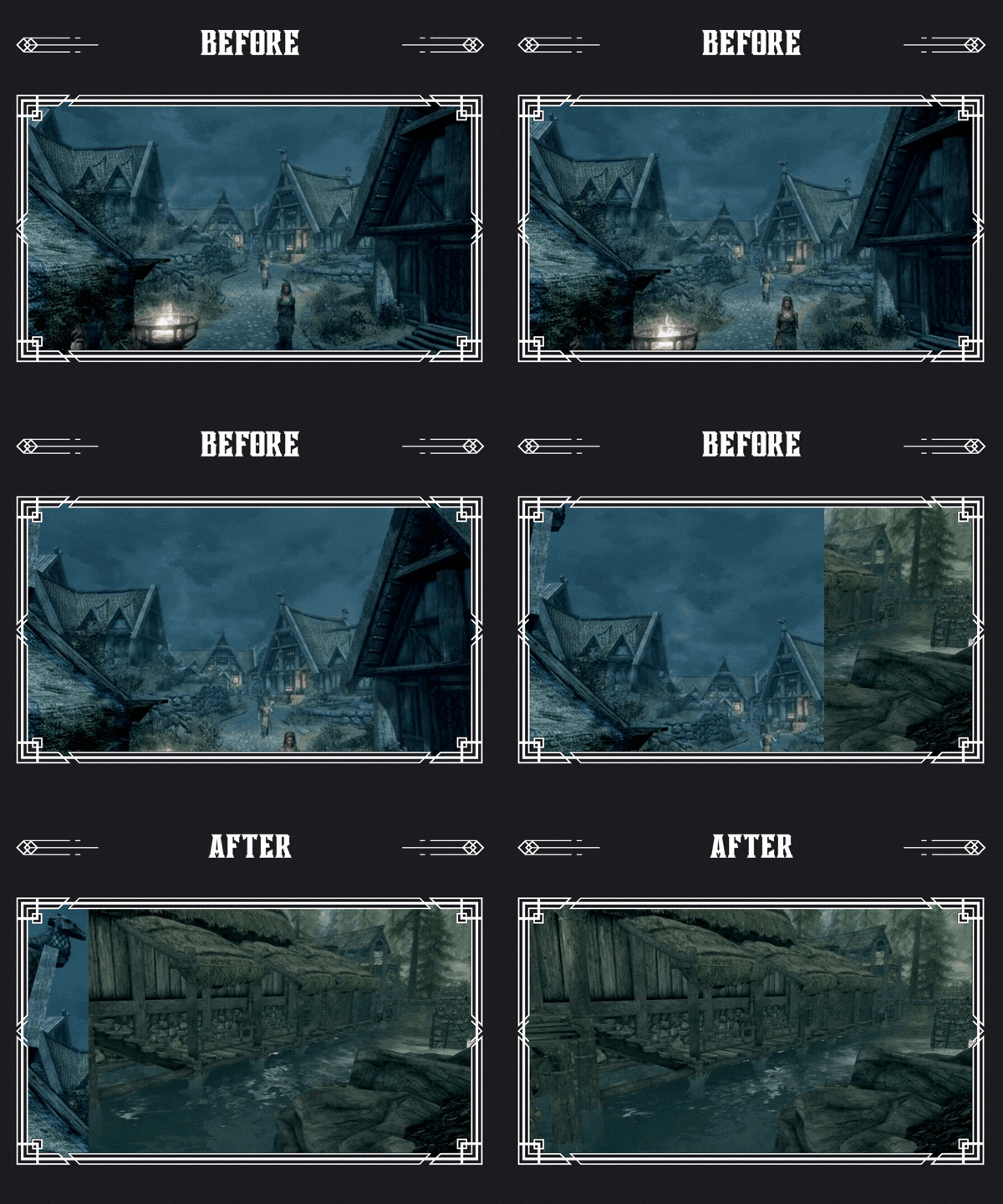
¶ Social Media Templates (Short & Reel Format) - (IG Post Format)
.gif) -
- .gif)
¶ Theme 3: Futuristic / Digital Theme
To see this set in action, visit this example collection page (WIP)
How To Use
- Click on the assets you want to use to open them on Canva
- Make your changes on the texts and visuals. Feel free to lock - unlock some elements to not cause sways.
- Click "Share" and click "Download" to export. Use any format you'd like, prefer GIFs for animated visuals.
- To add your new visuals to your collection page, host them wherever you like with a url. You can use mod pages on Nexus (even private ones), image hosting websites or even Discord.
¶ Title / Section Separator

¶ Hero / Collection Name / Category Header Templates
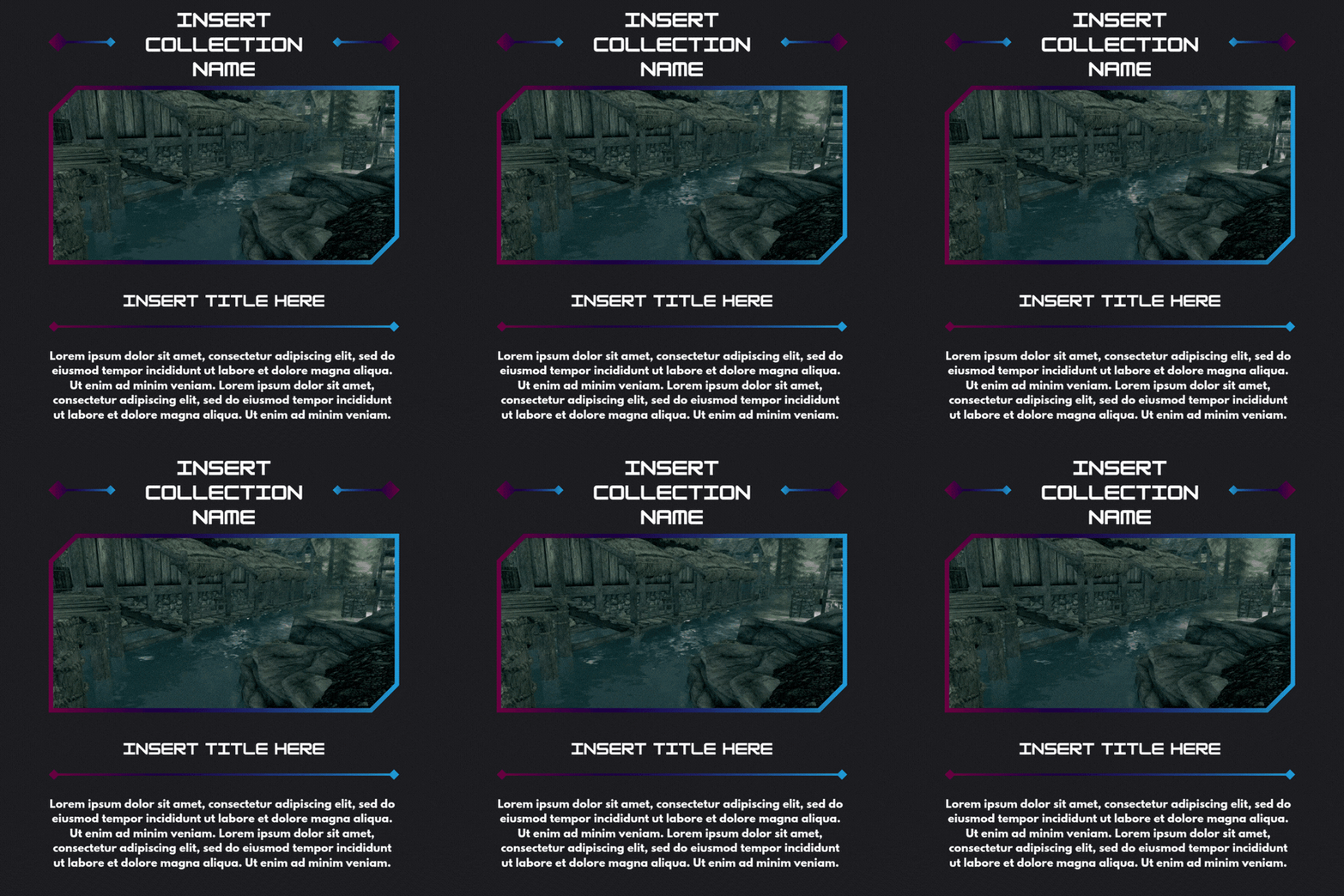
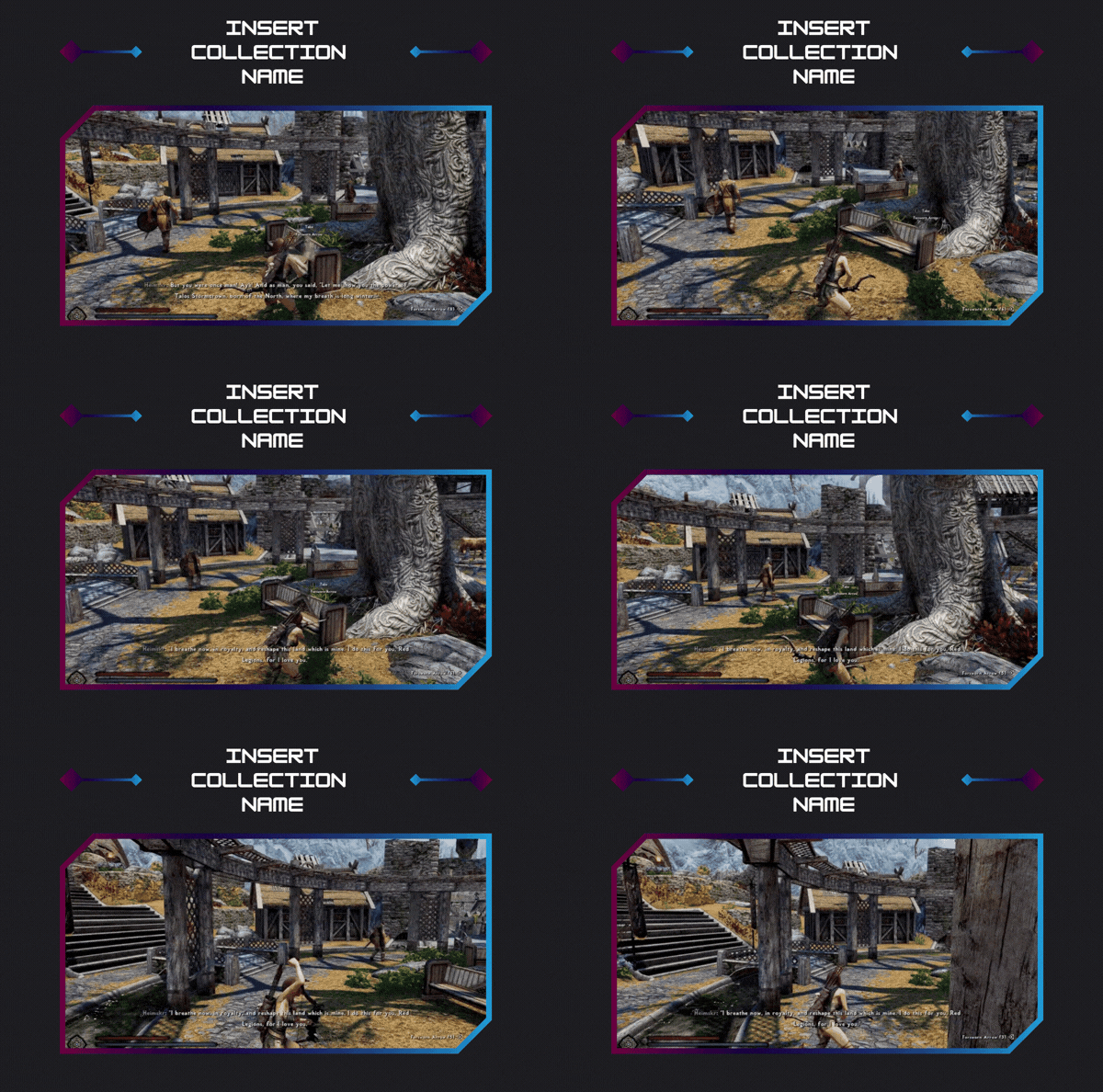
¶ Extended Hero / Category Section Templates
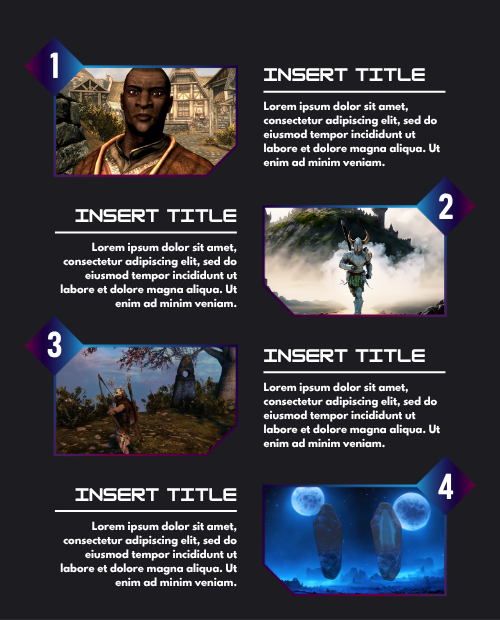
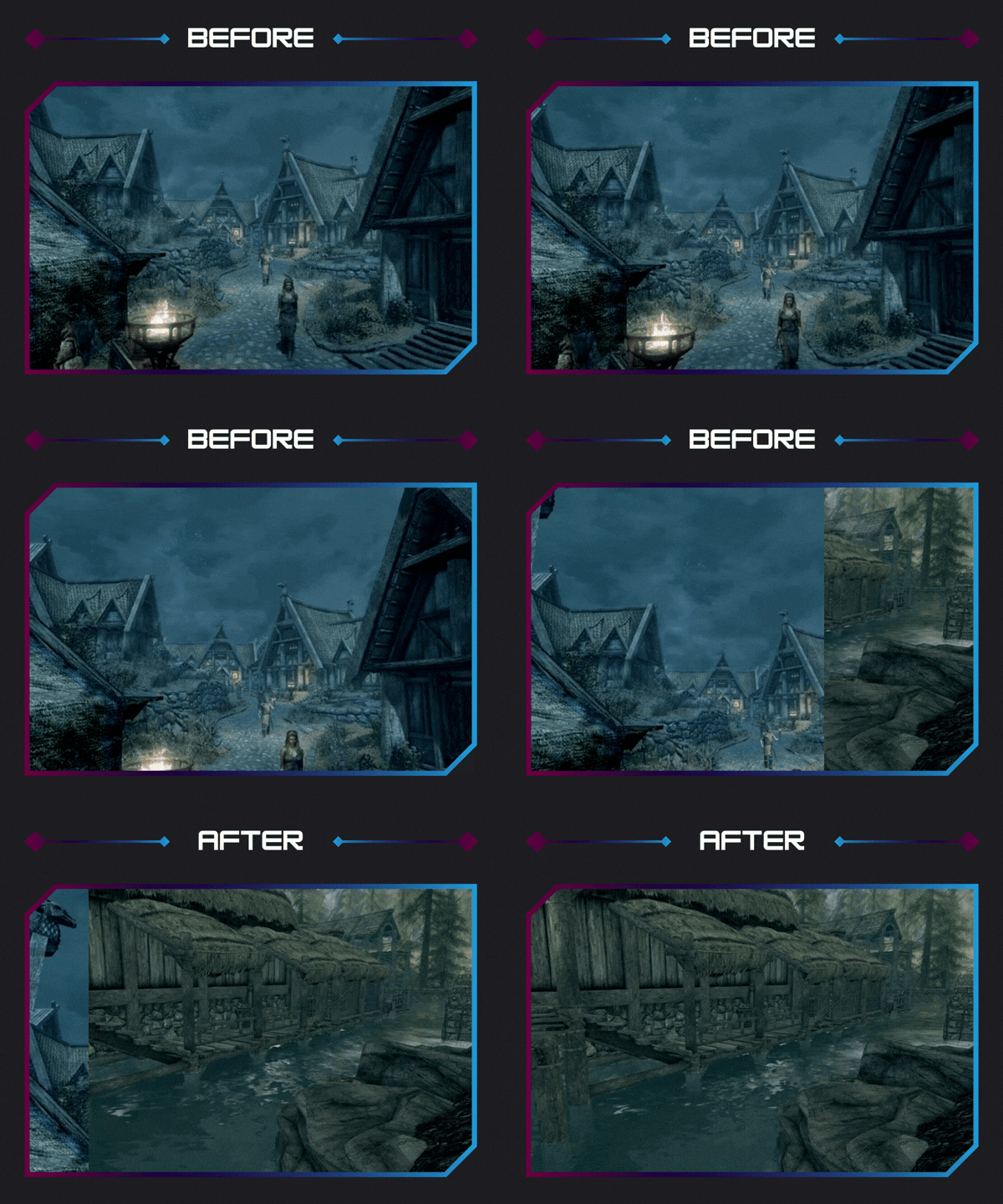
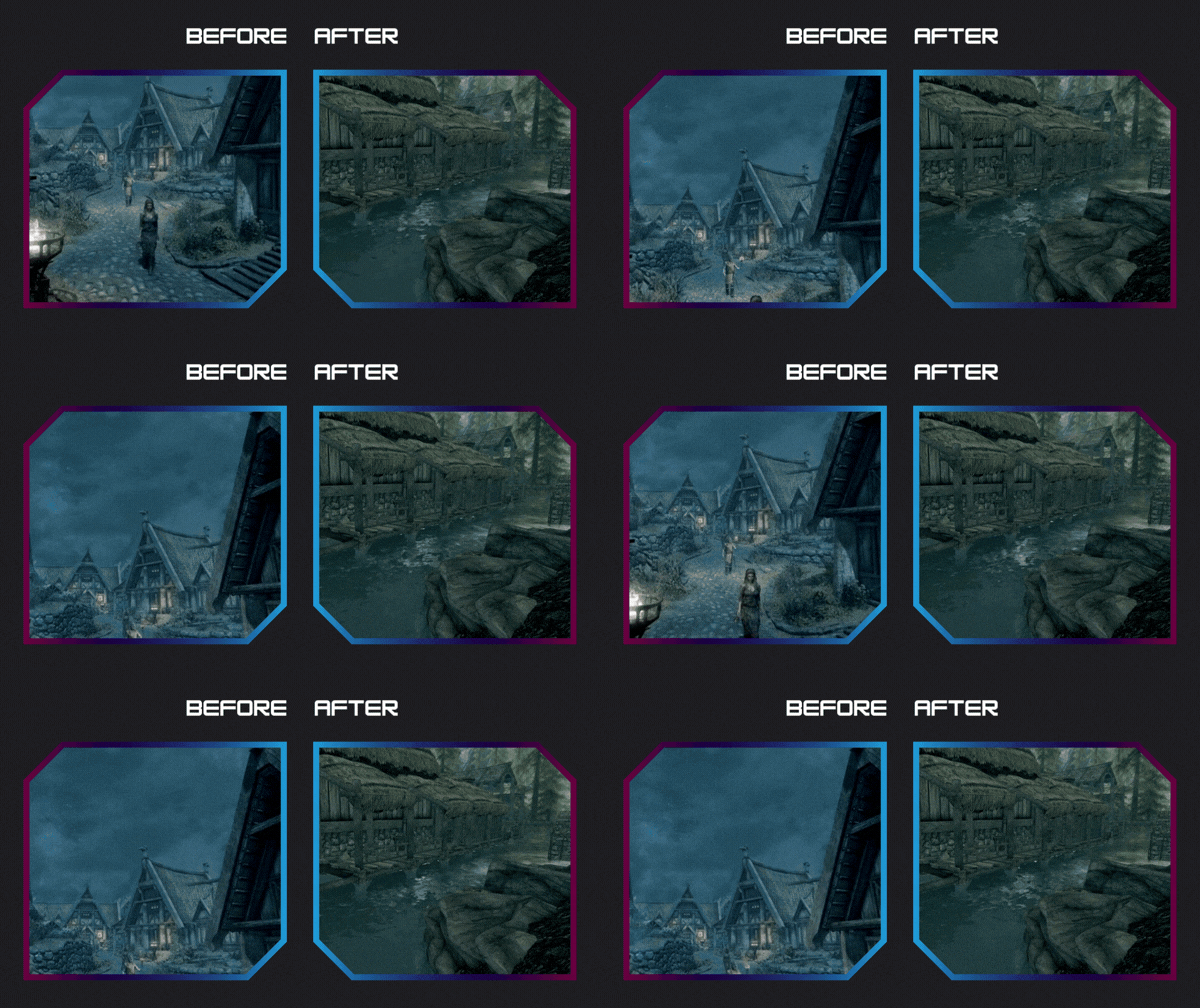
¶ Before / After Templates
 )
)
¶ Social Media Templates (Short & Reel Format) - (IG Post Format)
.gif) -
- .gif)
¶ Theme 4: Guns & Bombs
To see this set in action, visit this example collection page (WIP, I'll publish one soon for this template)
How To Use
- Click on the assets you want to use to open them on Canva
- Make your changes on the texts and visuals.
- Click "Share" and click "Download" to export. Use any format you'd like, prefer GIFs for animated visuals.
- To add your new visuals to your collection page, host them wherever you like with a url. You can use mod pages on Nexus (even private ones), image hosting websites or even Discord.
¶ Title / Section Separator

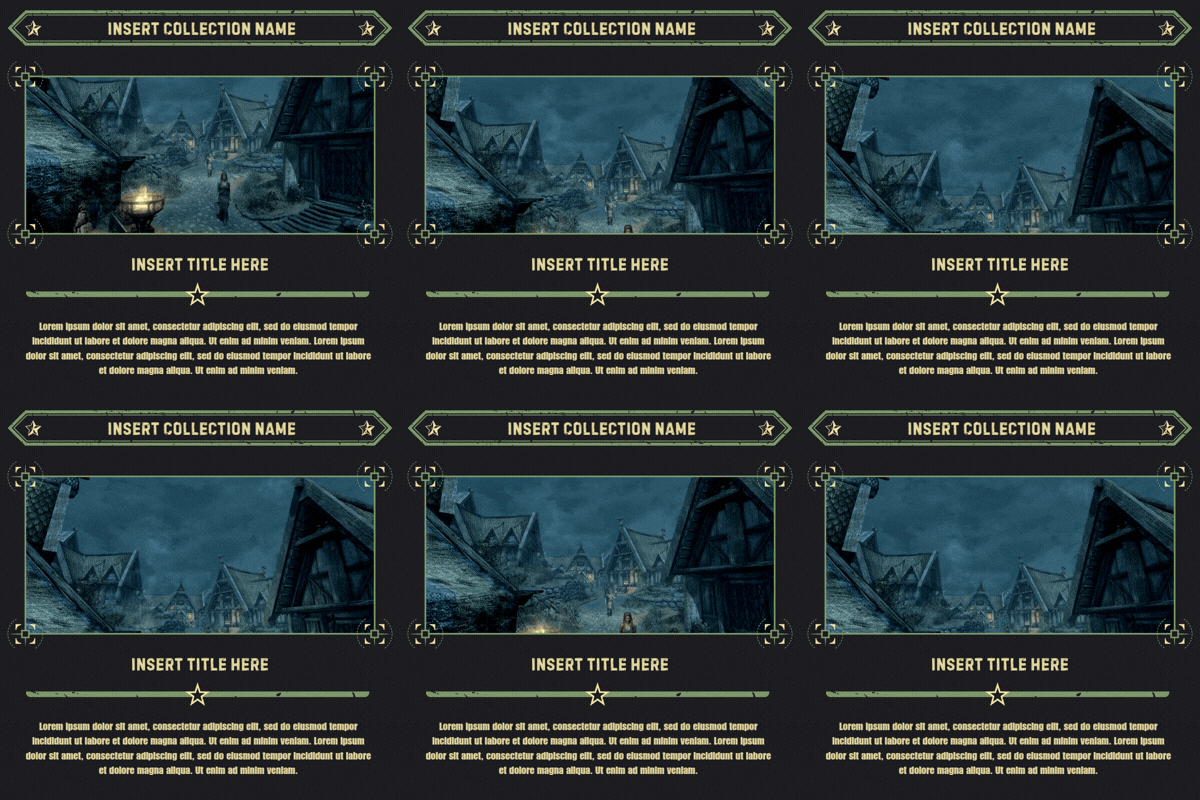
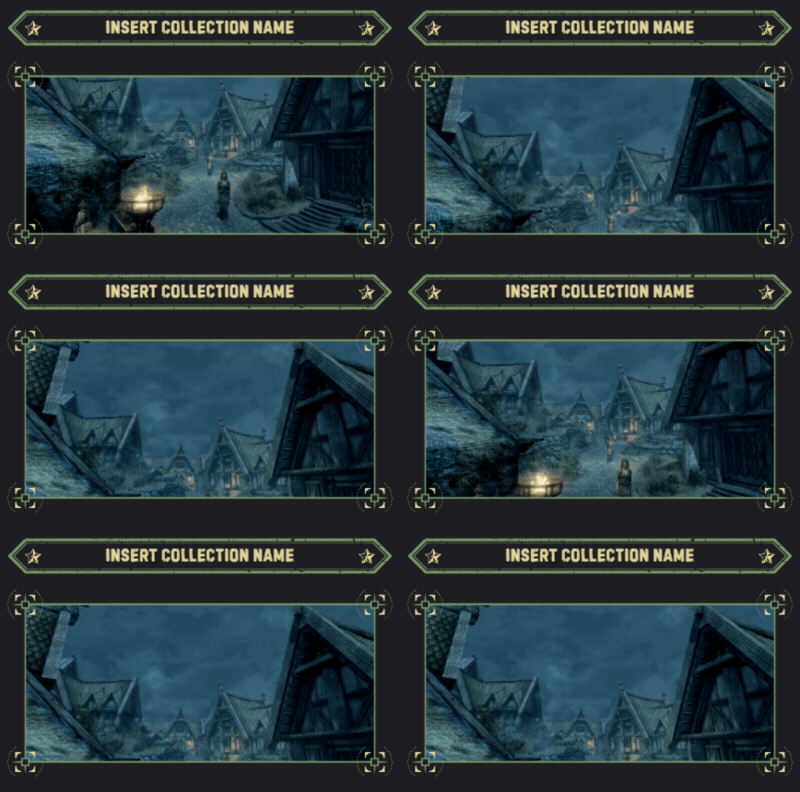
¶ Hero / Collection Name / Category Header Templates
¶ Extended Hero / Category Section Templates
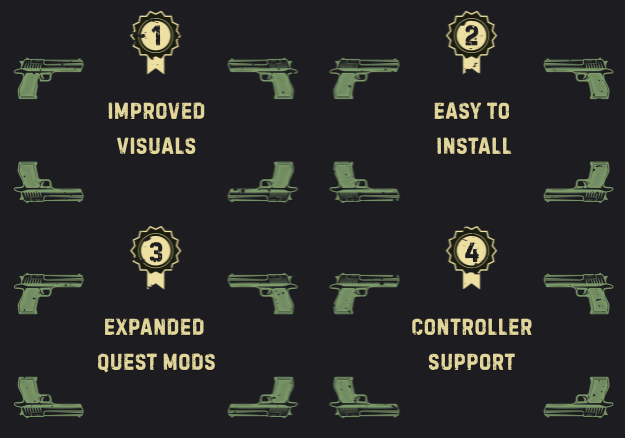
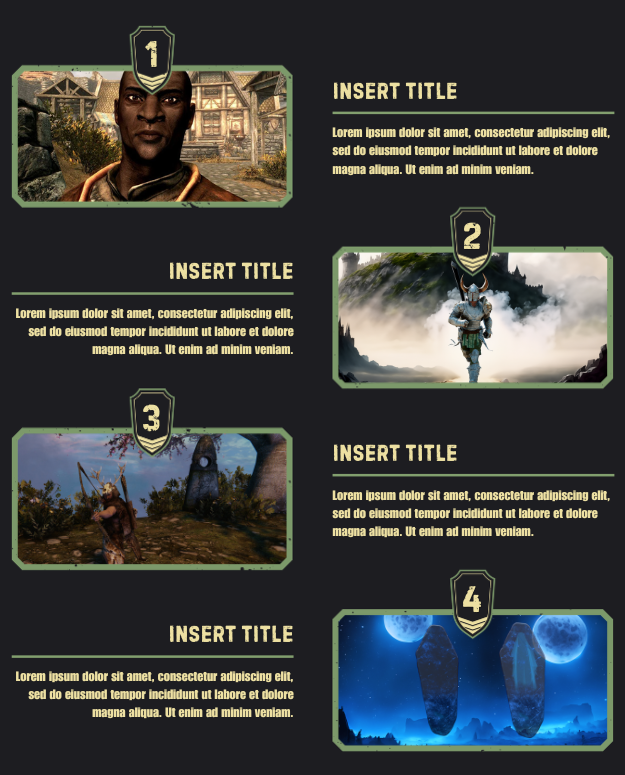
¶ Before / After Templates
.gif)
.gif)
¶ Social Media Templates (Short & Reel Format) - (IG Post Format)
 -
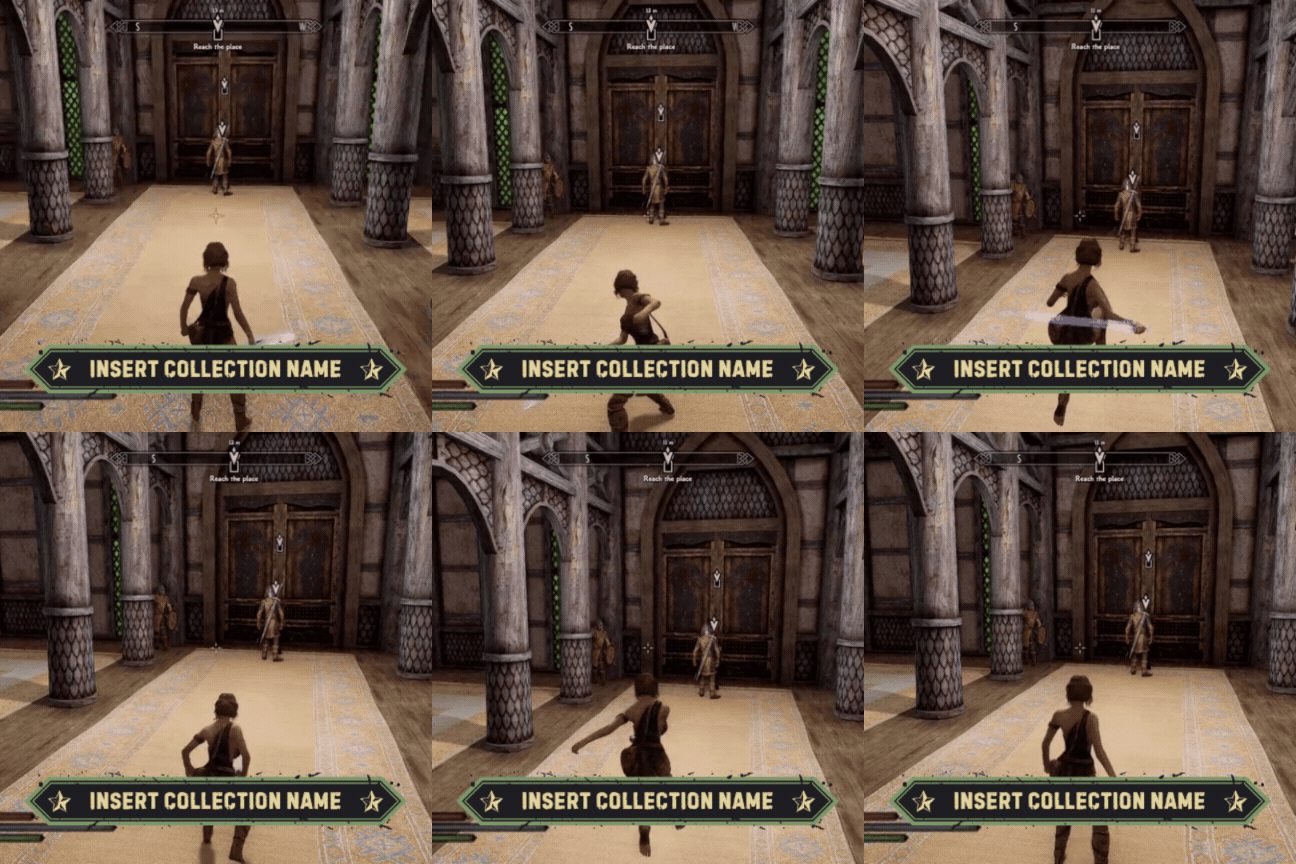
- 
¶ Theme 5: Pixel Art Theme
To see this set in action, visit (Page WIP)
How To Use
- Click on the assets you want to use to open them on Canva
- Make your changes on the texts and visuals. For assets in this set, after you change the visuals don't forget to position them back by clicking on "position" and "backward".
- Click "Share" and click "Download" to export. Use any format you'd like, prefer GIFs for animated visuals.
- To add your new visuals to your collection page, host them wherever you like with a url. You can use mod pages on Nexus (even private ones), image hosting websites or even Discord.
¶ Title / Section Separator

¶ Hero / Collection Name / Category Header Templates
.gif) -
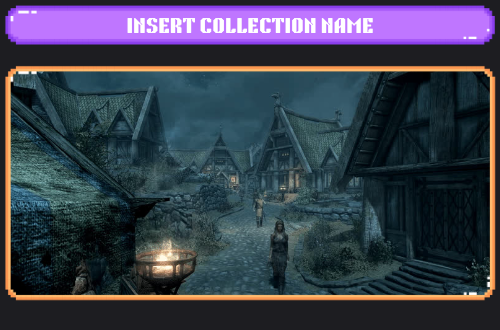
- 
¶ Extended Hero / Category Section Templates
.png)
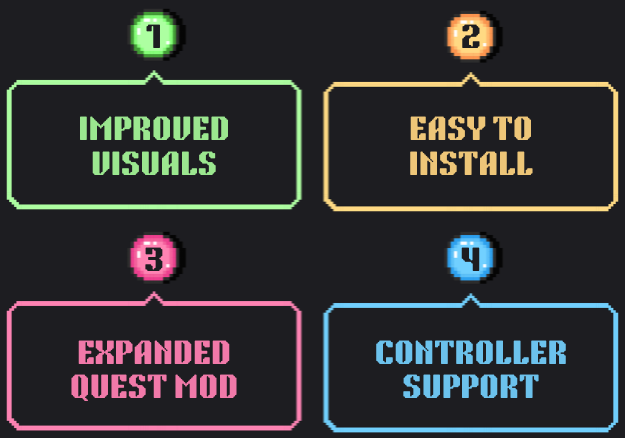
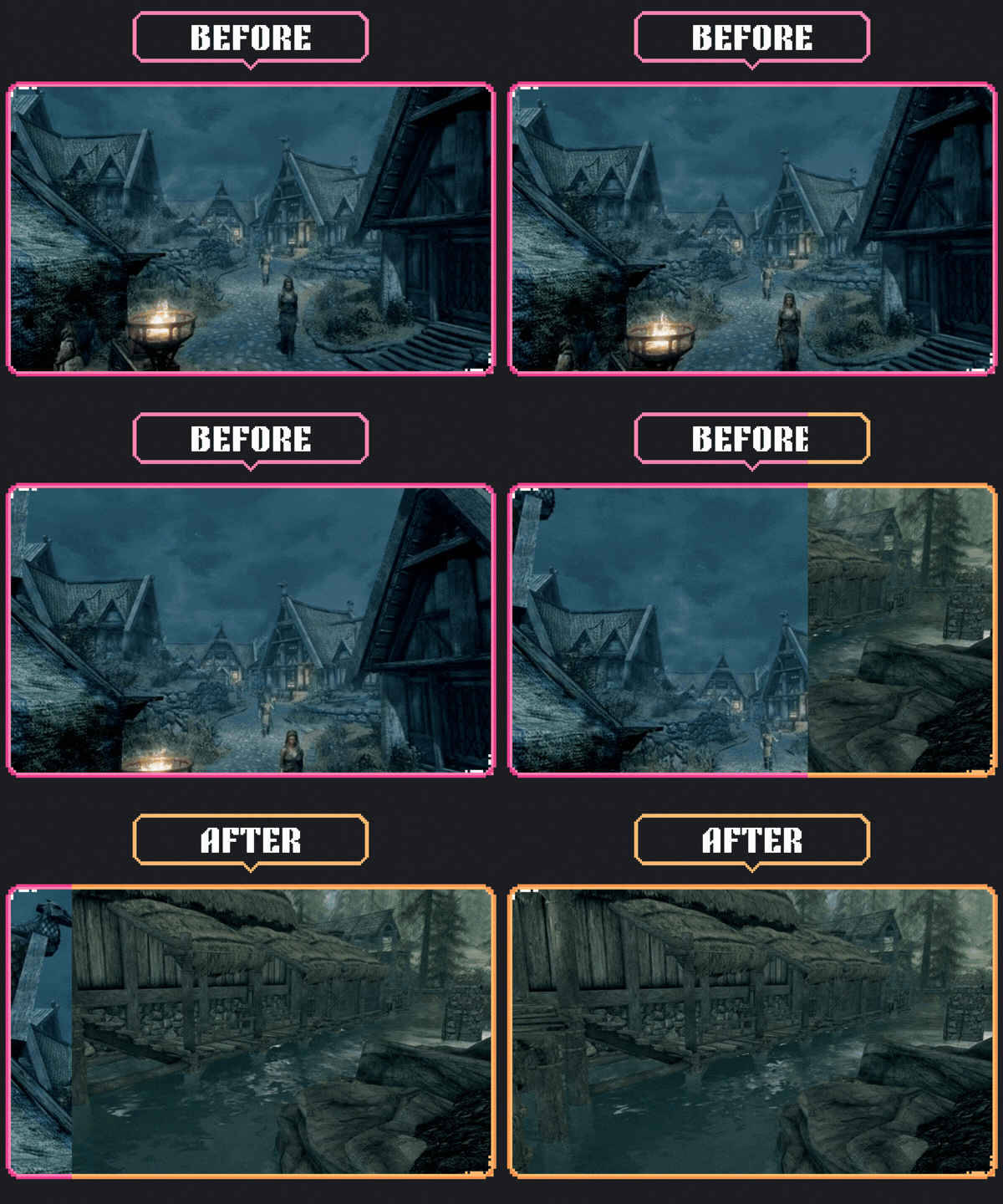
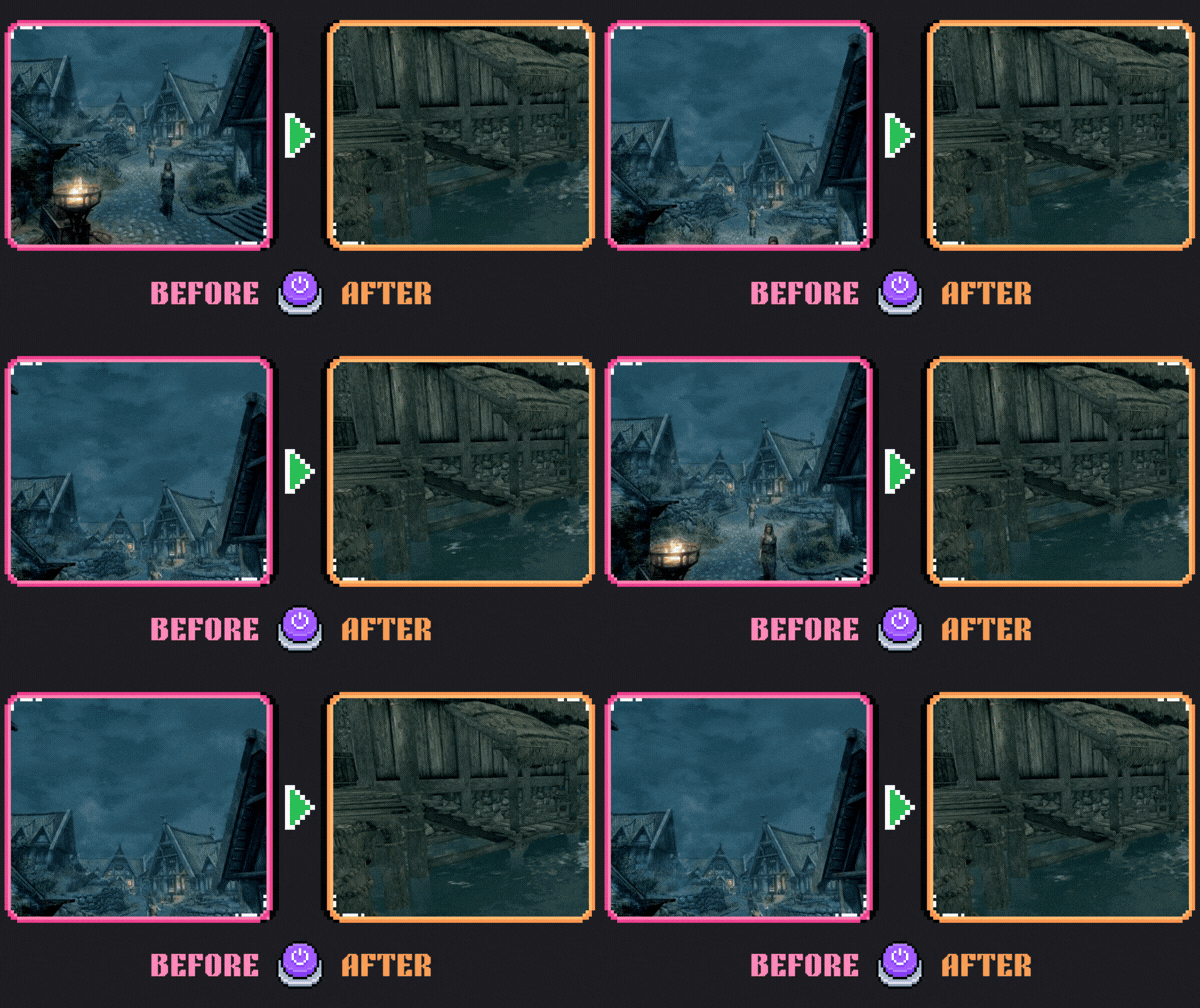
¶ Before / After Templates
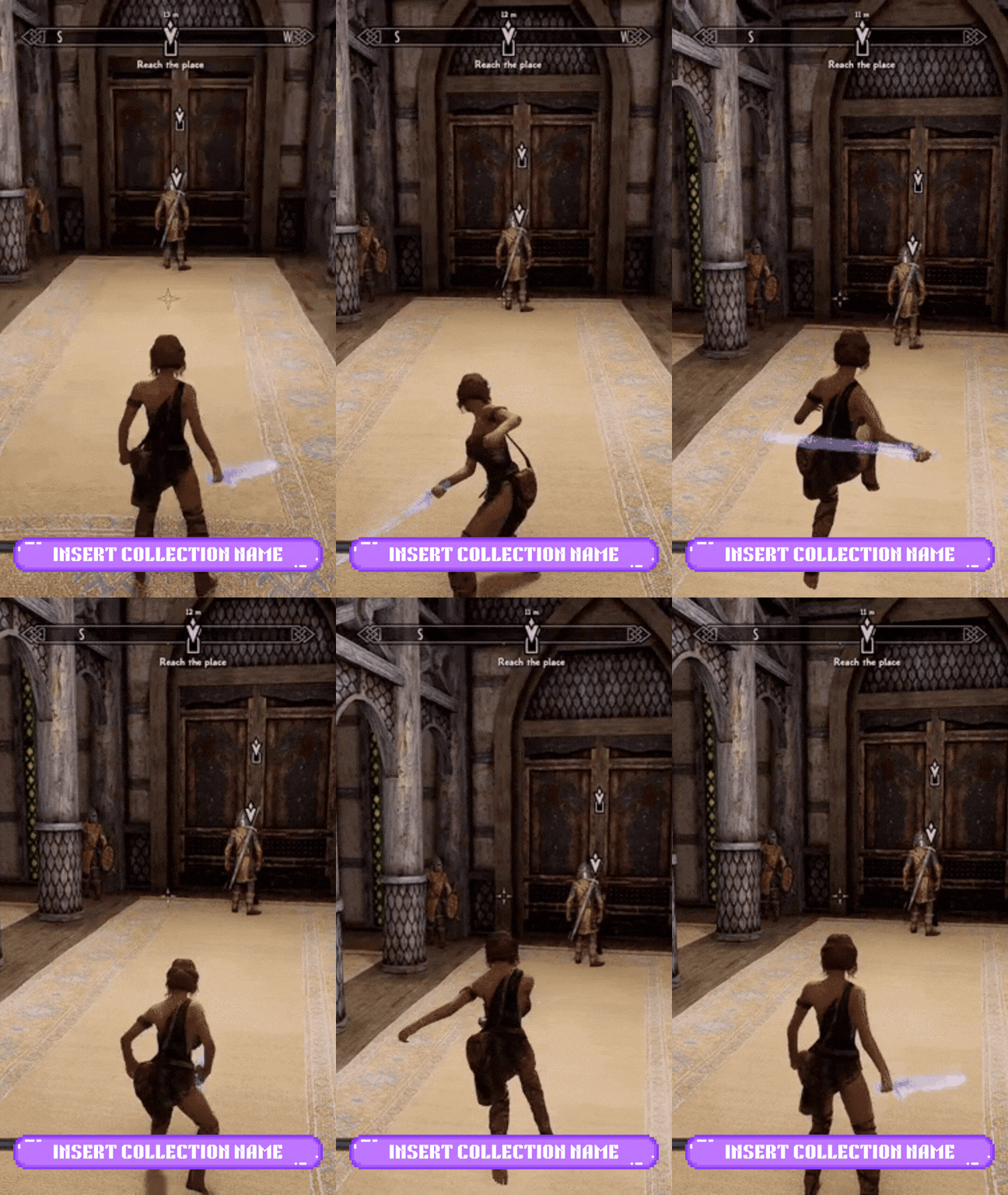
¶ Social Media Templates (Short & Reel Format) - (IG Post Format)
 -
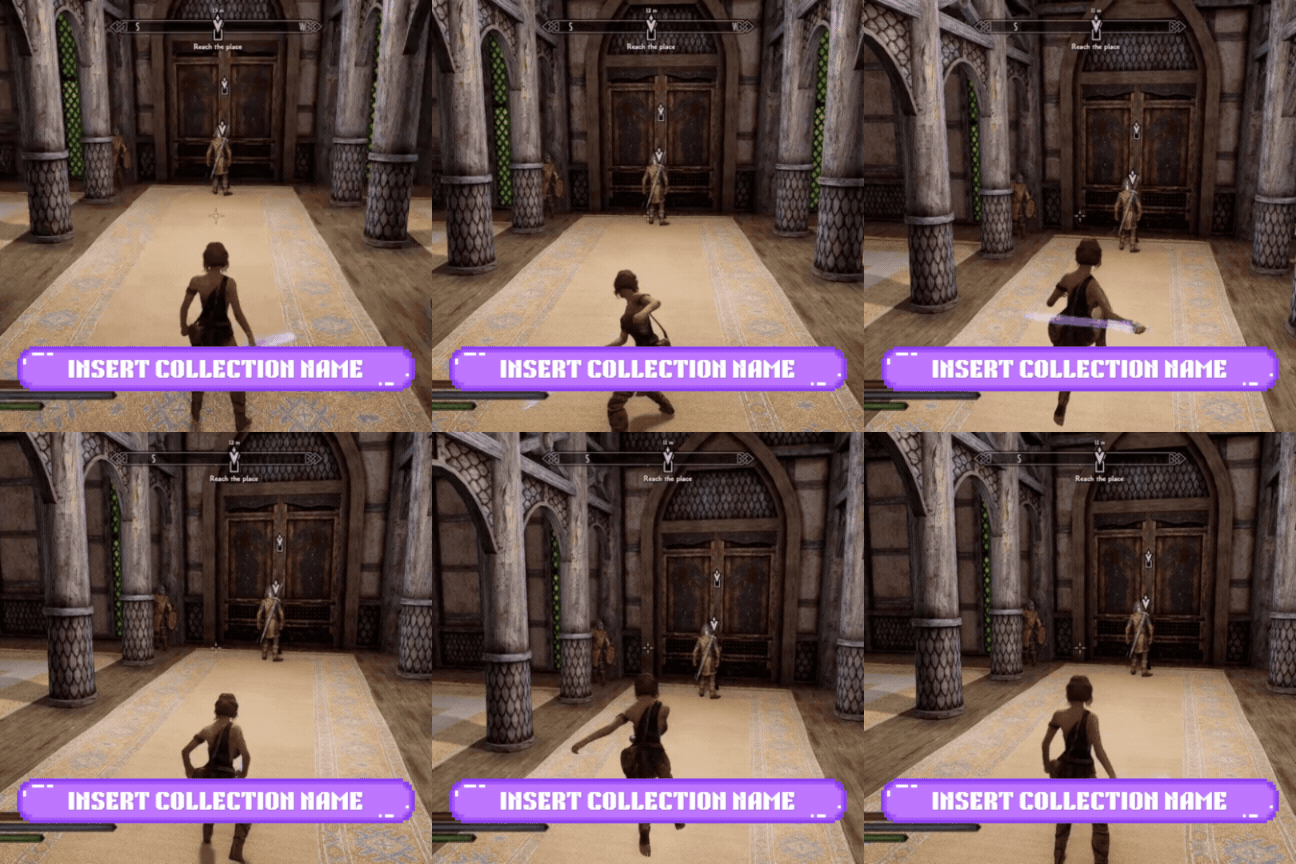
- 
¶ Theme 6: NSFW
To see this set in action, visit this example collection page (WIP, I'll publish one soon for this template)
How To Use
- Click on the assets you want to use to open them on Canva
- Make your changes on the texts and visuals.
- Click "Share" and click "Download" to export. Use any format you'd like, prefer GIFs for animated visuals.
- To add your new visuals to your collection page, host them wherever you like with a url. You can use mod pages on Nexus (even private ones), image hosting websites or even Discord.
¶ Title / Section Separator

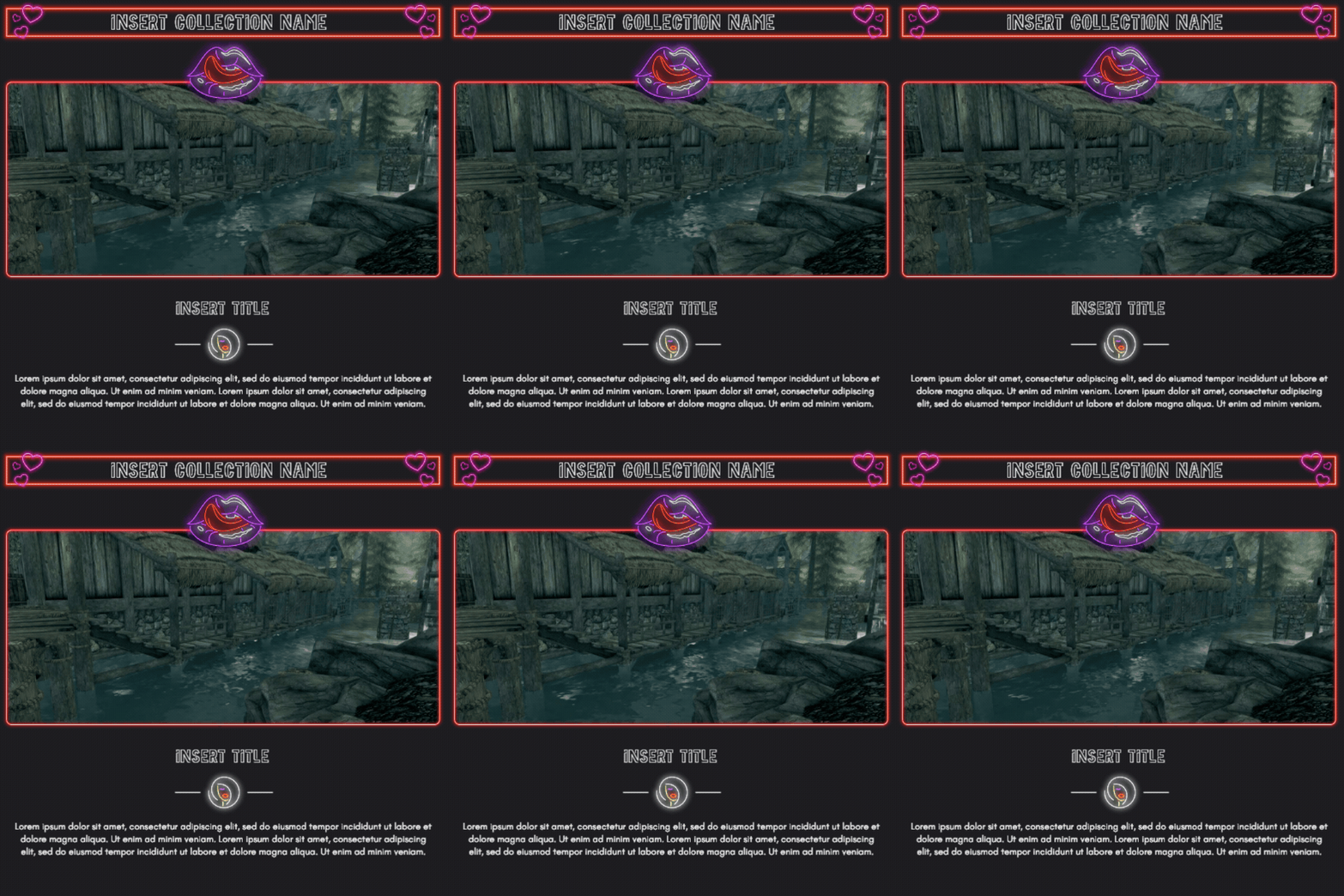
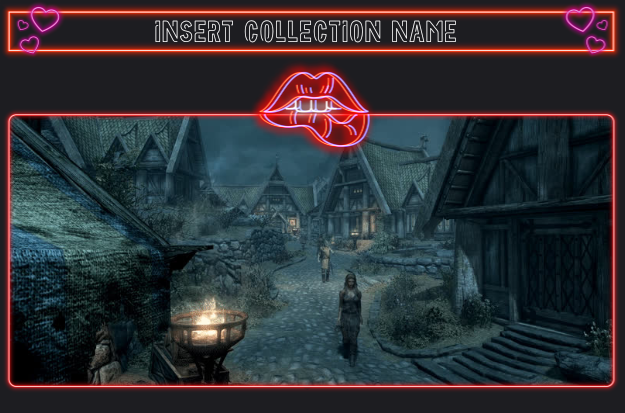
¶ Hero / Collection Name / Category Header Templates
¶ Extended Hero / Category Section Templates
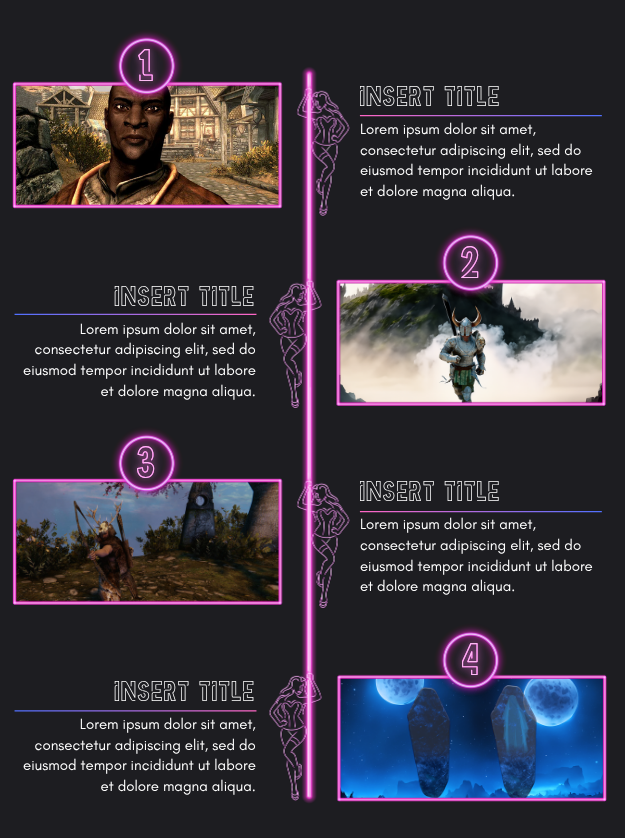
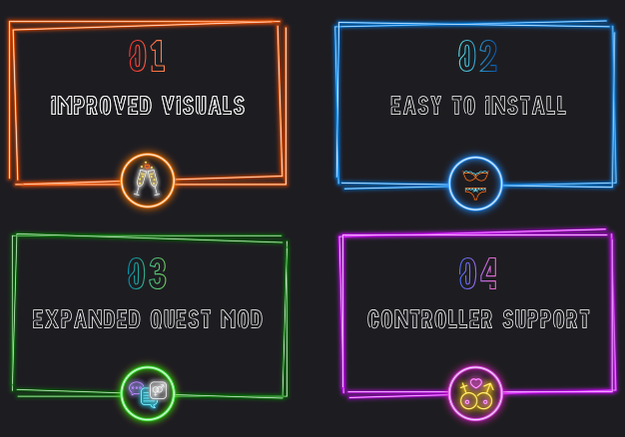
¶ Before / After Templates
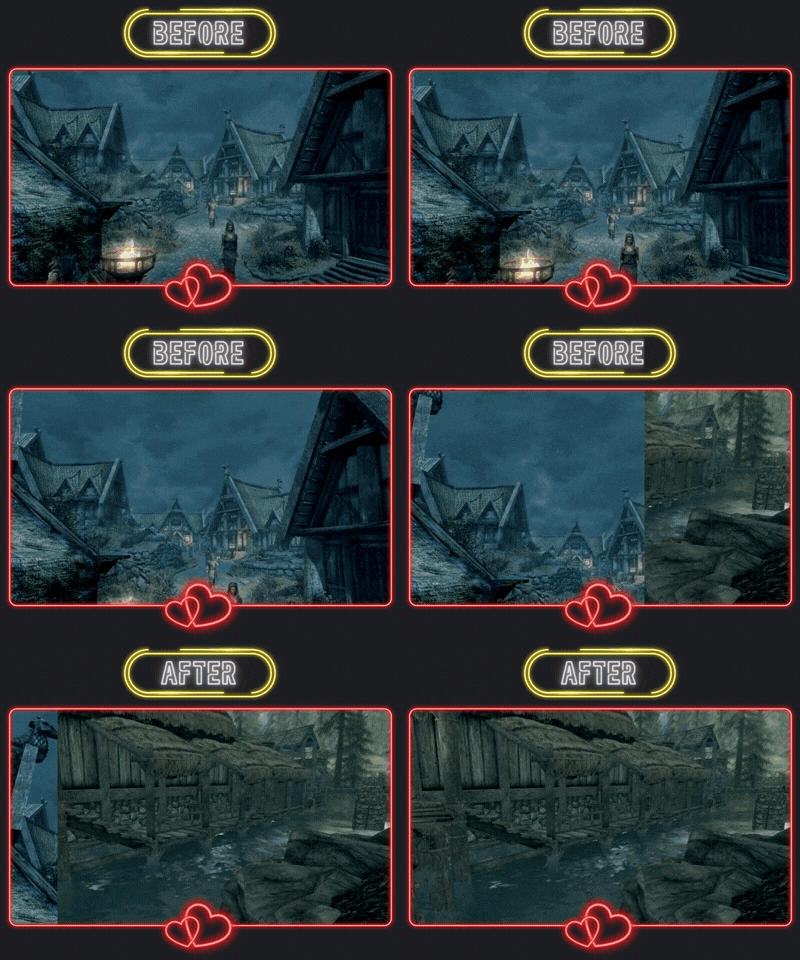
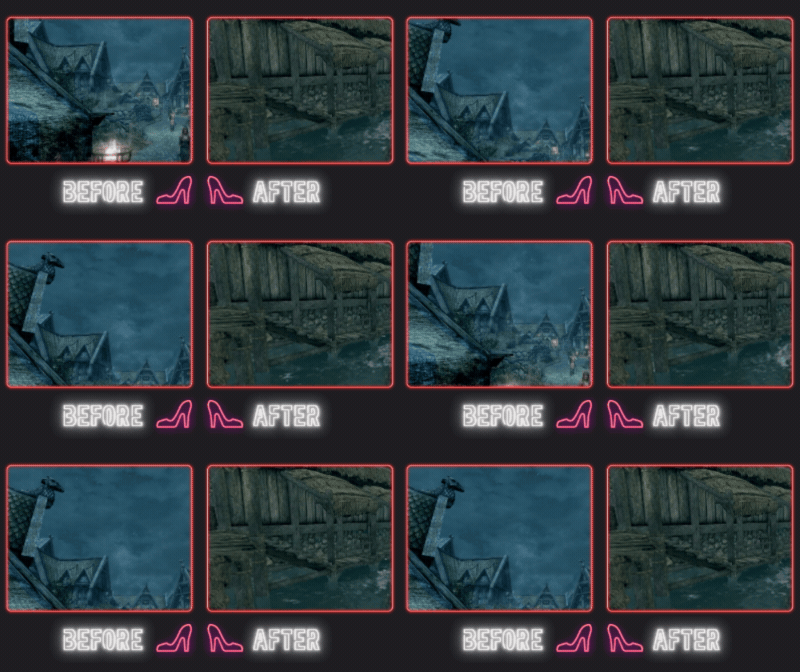
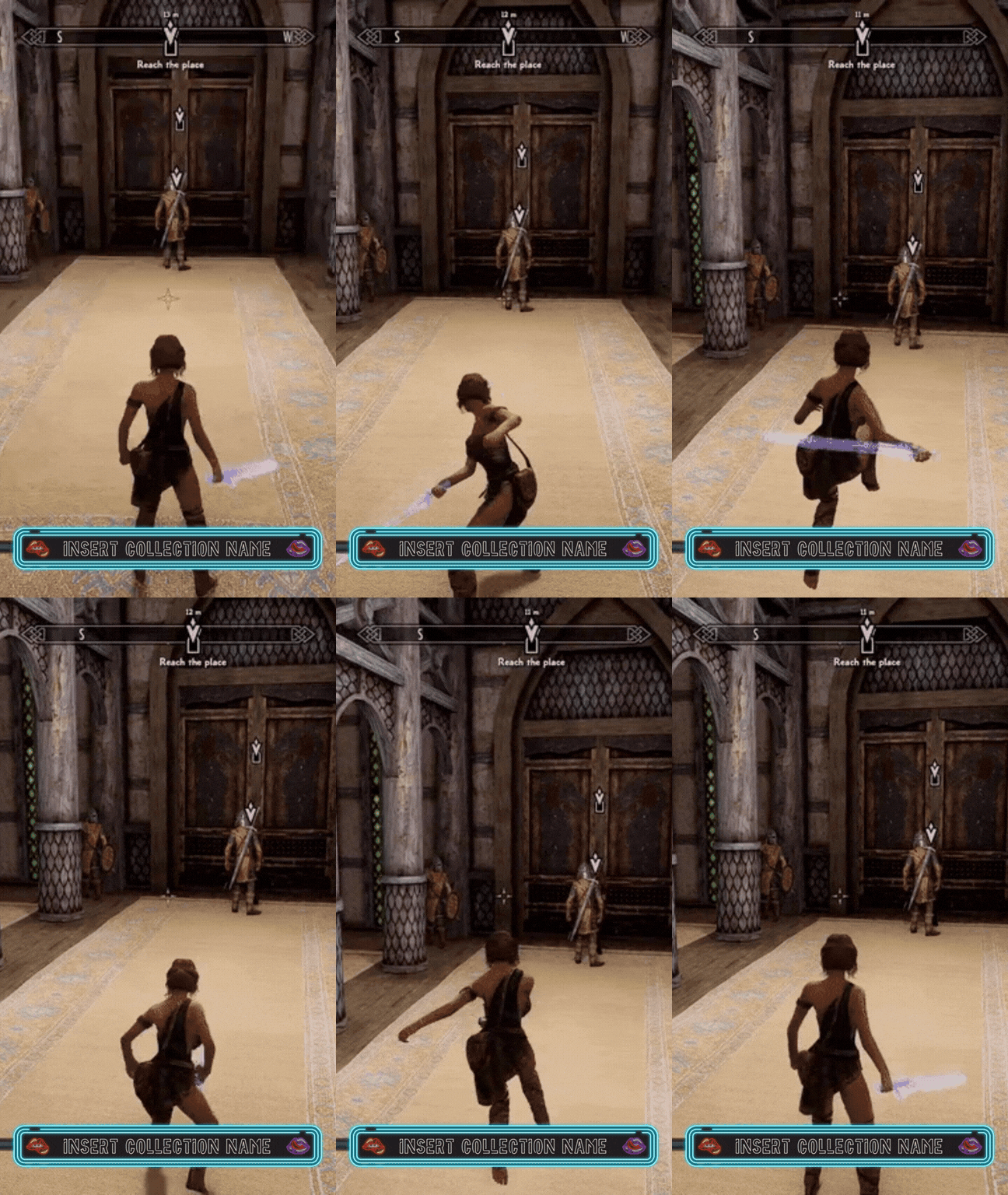
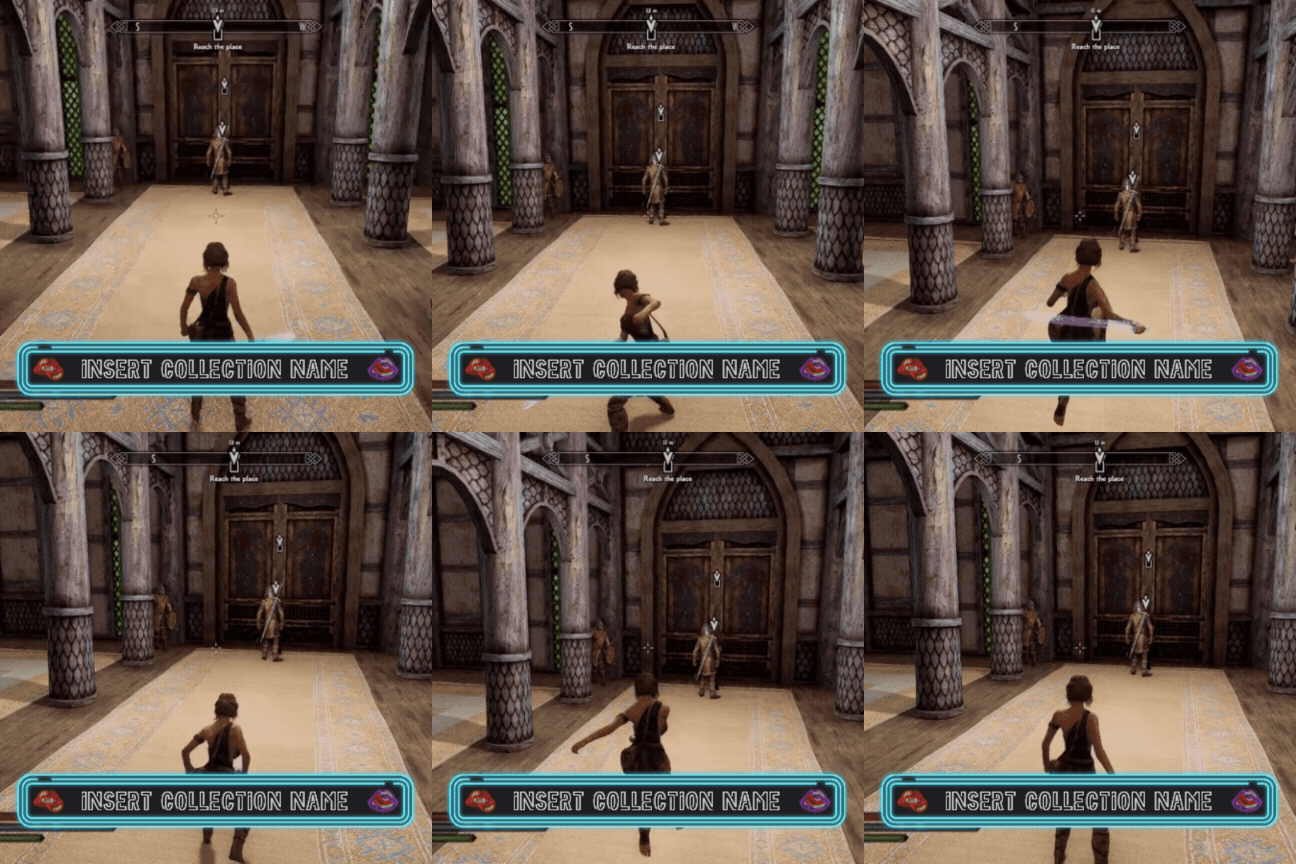
¶ Social Media Templates (Short & Reel Format) - (IG Post Format)
 -
- 
¶ Discord Server Templates For Collection Curators
I tried to create a similar template of what I am personally using as a collection curator for you guys. For reference, here is a link to my original collection server in case you want to take a look at it from an user perspective: https://discord.gg/immersive-collections
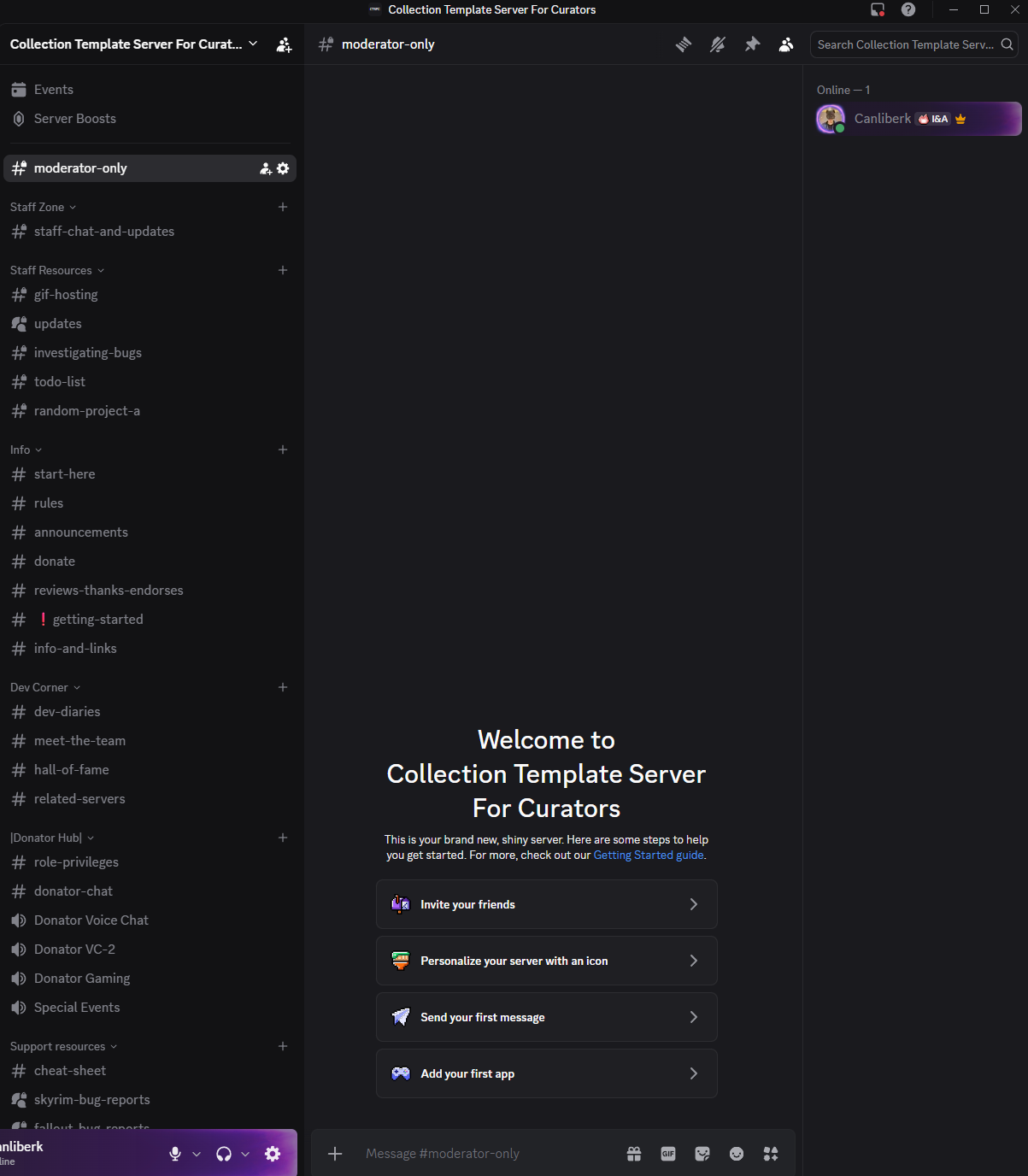
For this template, all you have to do is to visit this link, and then just find "server template" in the settings and using it for your own server et voila. You can also just take inspiration from it and only copy certain parts of it.
End result will look something like this:
In the future I'll be expanding this part with ready to use Discord bots that you can just use in your community.