¶ Updating A Collection
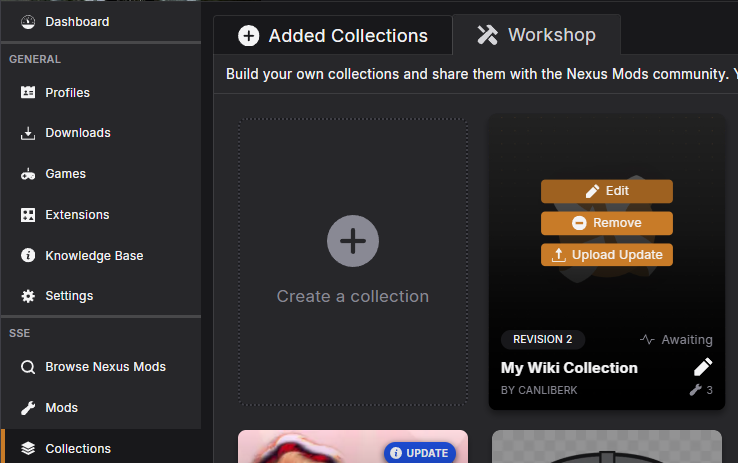
To begin, open Vortex and navigate to your Collections Workshop.
If your collection is not in your workshop, you can simply add it like a regular user and start working on it by cloning, as shown here
Hover over the collection you want to manage and select "Edit". This will bring up the list of mods currently added to the collection.
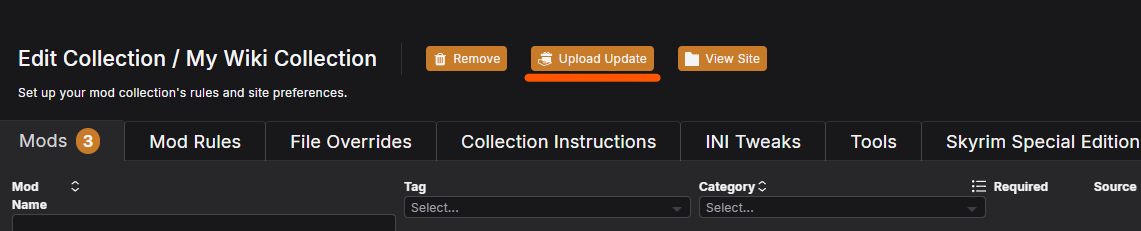
If your update is already prepared, you can directly click on "Upload Update" button as well.
You can use our wiki to learn more about how to add, remove mods or change mod options on your collection.
Once you are happy with all your changes on the workshop, you can upload the collection to the site in the same way you publish a collection. This time the button will simply say "Upload Update" instead of "Upload New".
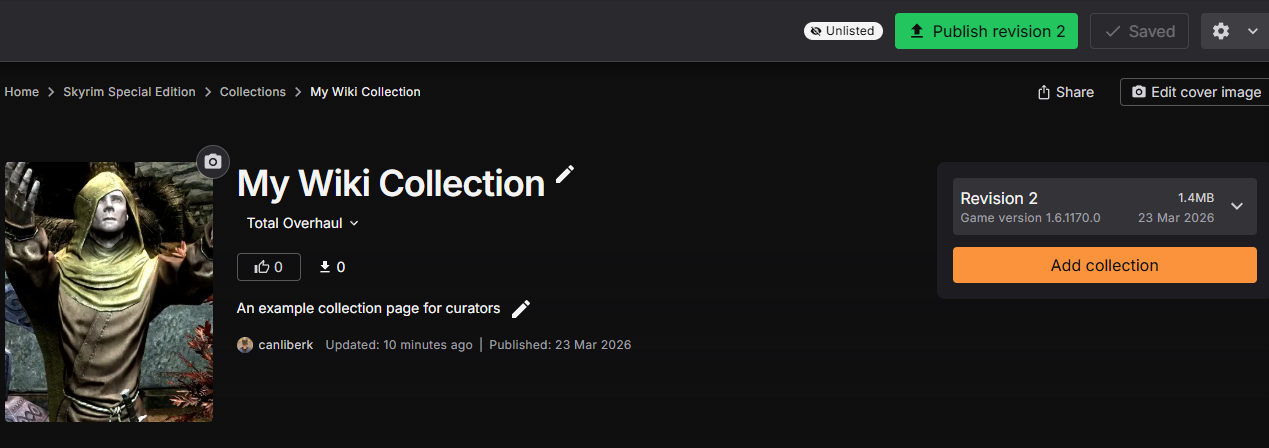
On the site, your collection page will change as shown with the new revision, and new list of mods. Once you are happy with all the changes, click on publish revision X button to push your update.